



Chatbots answer your questions, tools write emails for you, what else? AI handles all simple and routine tasks for us, preventing us from burnout. But have you ever wondered what makes all of this possible?
Behind the scenes, developers use AI frameworks, or powerful toolkits that simplify the process of building, training, and deploying AI or machine learning models. If you're looking to learn more about or even build AI-powered apps, you'll need names like LangChain, LlamaIndex, Haystack, Pydantic AI, Streamlit, Gradio, Chainlit, and CopilotKit.
What do they do, and why should you care? Let’s break it all down in the simplest way possible.
What Are AI Frameworks?
Artificial intelligence frameworks act as ready foundations for apps, so you don’t need to build everything from scratch. They give pre-built tools to make the development process easier, cheaper, and faster. Instead of spending months coding AI or machine learning models, you can plug into these frameworks and get results.
These AI frameworks are also different from each other. Some of them focus on language models (like ChatGPT), and others charge AI-powered web apps or even connect multiple AI tools together. With time, developers have picked their favorites for different tasks, goals, and levels of performance.
Most Popular AI Frameworks and How They Help You
Let’s look at some of the best AI frameworks you should know about.
1. LangChain Is The Brain Behind AI Chatbots
Unlike the first chatbots that felt like a waste of time, new AI chatbots often feel almost human, right? LangChain is the AI framework that makes it possible. It helps developers build conversational AI by connecting large language models (like GPT-4) with external data sources, memory, and logic.
For example, you want to build an AI assistant that answers customer support questions. Instead of replying with generic responses from a pre-built knowledge base, LangChain will make the bot pull data from real-time sources, like a company’s database, to give accurate answers.
Another example is building an AI assistant for a medical center. The LangChain-charged assistant could pull up patient records (with proper permissions, of course) to give personalized health advice or appointment scheduling options.
The framework and the tools it powers have become so popular because they are the next level of convenience on top of search engines. Now, we have search engines that scroll through other search engines for us!
Challenges of LangChain
This AI framework needs a bit of a learning curve, especially when integrating it with external tools and data sources. For beginners, setting up the infrastructure and understanding how to manage interactions between different services might feel overwhelming.
Performance hits are also a case if you pull large amounts of data from many locations. This might lead to slower response times in some situations.
Plus, since LangChain relies on third-party APIs and tools if one of these services goes down or changes its functionality, it can break the entire system or need reworking.
2. LlamaIndex, or AI That Reads and Understands Your Data
AI is smart and correct, but only if it has the right data. LlamaIndex (formerly GPT Index) organizes and retrieves information so AI technology can process it better.
Let’s say you have hundreds of PDF reports. If you ask a normal AI about them, it won’t know the answers. But with LlamaIndex, you can “feed” those PDFs into an AI model, and make it answer all your questions based on the reports' content.
Some popular tools and platforms integrate LlamaIndex to process and retrieve data better:
- Jupyter Notebook AI assistants. Data analysts and researchers use LlamaIndex to retrieve insights from massive datasets within Jupyter environments.
- Notion AI & knowledge management systems. Some tools use LlamaIndex to organize internal documentation so employees can get instant answers about their issues.
LlamaIndex is also used by companies that deal with complex, unstructured data, like law firms or financial institutions. For example, in a law firm, they might use LlamaIndex to search and retrieve legal documents relevant to a case. This way, lawyers could save time and increase accuracy in legal research.
Challenges of LlamaIndex
LlamaIndex is good for document retrieval, but it might not be as flexible for other types of data processing. If your project doesn’t involve large documents or structured data, LlamaIndex may not be the best fit. The same applies to handling highly varied or complex data types (like multimedia or very unstructured data).
Another big concern is feeding sensitive or personal data into LlamaIndex for processing. It raises some security and privacy questions in regulated industries like healthcare or finance. You’ll need strong safeguards to comply with data protection laws.
3. Haystack, The Google Search for AI Answers
Haystack is another AI solution that finds answers quickly from large documents. This framework powers advanced search and question-answering systems. For example, if you integrate it into a news website, users will be able to ask, “What were the biggest stock market events in 2023?” and the AI will scan thousands of articles to find the answer.
Haystack is perfect for other projects that need AI-powered search and document retrieval, too. Managing legal documents or scientific papers is what it can do for sure. It can take the hours of work usually spent on manual searching and turn it into a few seconds of scanning.
Some examples are:
- Legal research tools
- Medical databases
- eCommerce customer support
- Academic research platforms
- Corporate knowledge bases
Challenges of Haystack
How effective Haystack is largely depends on the quality of the data it’s processing. If the documents have poor formatting or are incomplete, the AI may struggle to give accurate answers.
Haystack is also resource-intensive for scanning large volumes of data. It needs a reliable infrastructure to handle high volumes of queries, which is costly and time-consuming to set up.
Also, it can be less effective when dealing with non-textual data like images, videos, or other media. This limits its utility for certain types of projects that rely on more diverse content.
4. Pydantic AI Keeps AI Data in Check
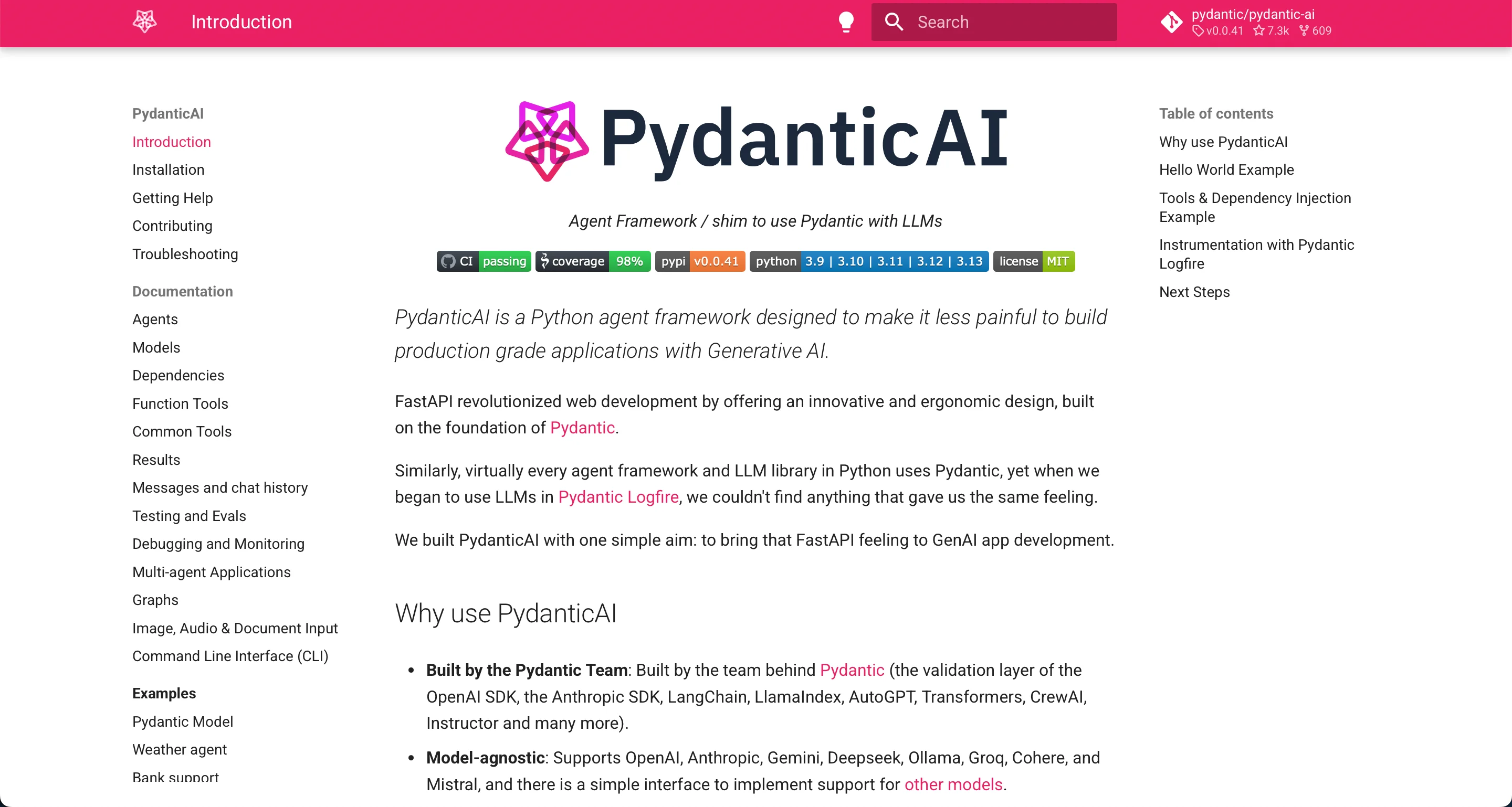
Artificial intelligence models need data, but if this data is messy, you and your users will get bad results. Pydantic AI validates and cleans up data so AI applications run as expected and even better.
One of the use cases is building an AI tool that analyzes customer reviews to understand product feedback. Often, the reviews come in different formats (some as full sentences, some as broken phrases, some with missing details), and the AI model might struggle to process them.
But if you're running a global eCommerce platform, you really need to analyze these reviews to:
- Identify trends in customer feedback (e.g., "Users love the battery life but dislike the charging speed").
- Filter out spam or irrelevant reviews.
If your AI model receives unstructured or inconsistent data, like missing ratings, duplicate entries, or unreadable text, it could generate misleading insights. Pydantic AI solves this data inconsistency and:
- Makes sure every review follows the correct structure (e.g., includes a rating, review text, and date).
- Fills in missing fields or flags incomplete data.
- Prevents errors that could crash the system.
Other examples of such data include financial reports, medical records, and sensor data in IoT applications. Or, basically, anywhere else that AI needs clean and reliable data. With Pydantic AI, you won't end up with weird errors that can cost a lot of money.
Challenges of Pydantic AI
Pydantic focuses more on data validation and integrity rather than being an AI framework itself. Yes, it's important to have clean data, but it doesn’t really help with tasks like building or deploying models, meaning you'd need to pair it with other tools to create a functional AI system.
For new users, Pydantic’s validation and data modeling techniques can take some time to understand. It’s not a “plug-and-play” solution for AI development.
5. Streamlit Builds AI-Powered Web Apps in Minutes
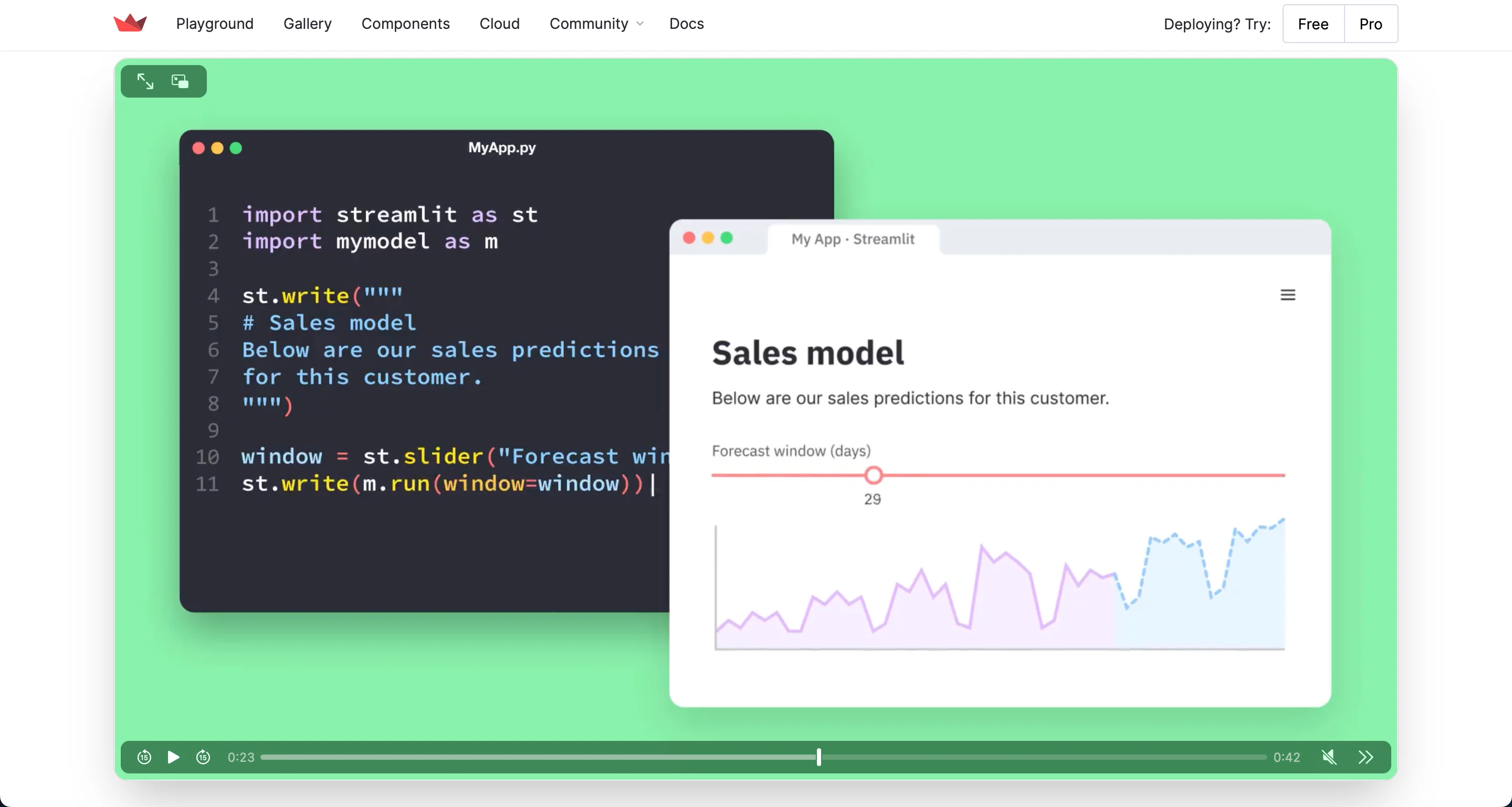
If you want to turn AI systems into web apps, Streamlit is the easiest way to do it. It lets you create interactive AI tools with just a few lines of Python code without being a web developer.
When is it relevant? Sometimes, data scientists build a machine learning model that does something really helpful like predicting house prices based on factors like square footage, location, and number of bedrooms.
Normally, this model would only be accessible to people who know how to run Python scripts. But with Streamlit, you can turn it into a simple web app where anyone can:
- Enter details like square footage, location, and the number of bedrooms.
- Click a button.
- Instantly get a predicted house price without writing any code.
Besides real estate, Streamlit is great for:
- Chatbot demos
- Financial forecasting
- AI image tools
- Medical AI applications
- Data visualization dashboards
So, Streamlit is perfect for data scientists, AI engineers, and businesses that want to share their AI and machine learning models but don't want to build a full website.
Challenges of Streamlit
Streamlit is great for quick prototyping and creating simple, interactive apps. However, for more advanced customization or highly polished UI designs, it can be restrictive. You may find yourself limited in how much you can modify the interface or design.
Besides, Streamlit is not always the best choice for large-scale, production-level applications. It’s primarily a good choice for rapid experimentation and lacks scalability and security for enterprise-level solutions.
6. Gradio Lets Users Test AI Models Fast
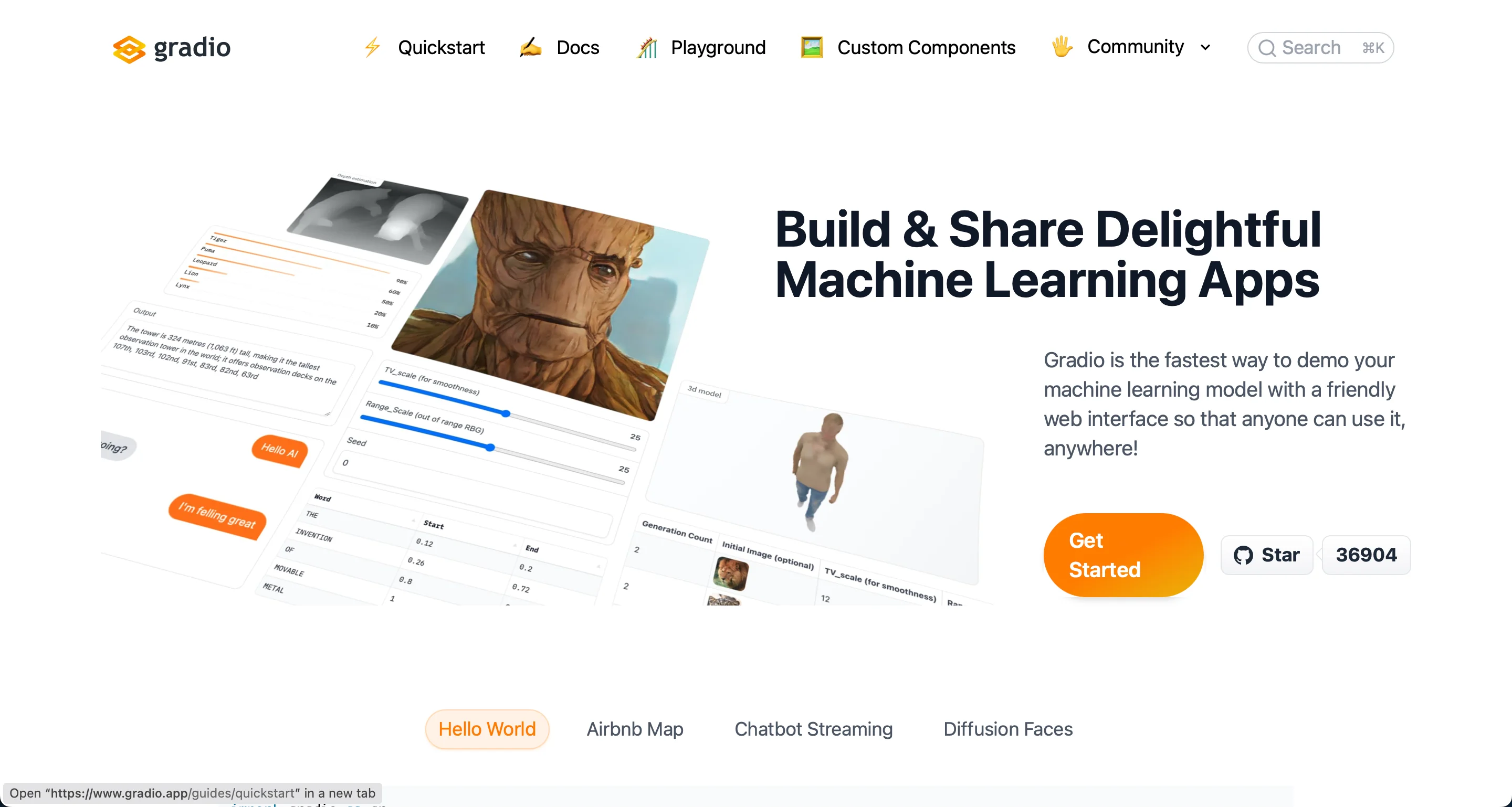
Gradio is another framework that makes artificial intelligence models accessible to everyone with easy-to-use interfaces. It's like a playground where users interact with AI without writing any code.
It's a popular choice for AI models that generate images based on text descriptions. With it, you can build an app that will let users:
- Type a description like “a futuristic city at sunset”.
- Click a button.
- Get an AI-generated image.
However, Gradio goes beyond image generation and works with:
- Speech-to-text and text-to-speech tools
- AI chatbots and language models
- Style transfer and AI art tools
- Medical AI apps
- Code completion and debugging tools
Many AI research teams and companies use Gradio to show their models. For example:
- Hugging Face uses Gradio to let users test models from their AI model hub.
- Google Research integrates Gradio for AI model demos.
- Startups and indie developers use it to present AI projects without a full software development team.
Challenges of Gradio
Gradio gives a UI for machine learning models, which is fantastic but might not offer as many integration options with other systems as some other AI frameworks. So, it is harder to integrate into larger production workflows.
For very large models or datasets, Gradio has some slowdowns, serving complex models in real-time. It’s great for demos and prototypes but might not be suitable for handling extremely resource-heavy workloads.
7. Chainlit Powers AI Workflows
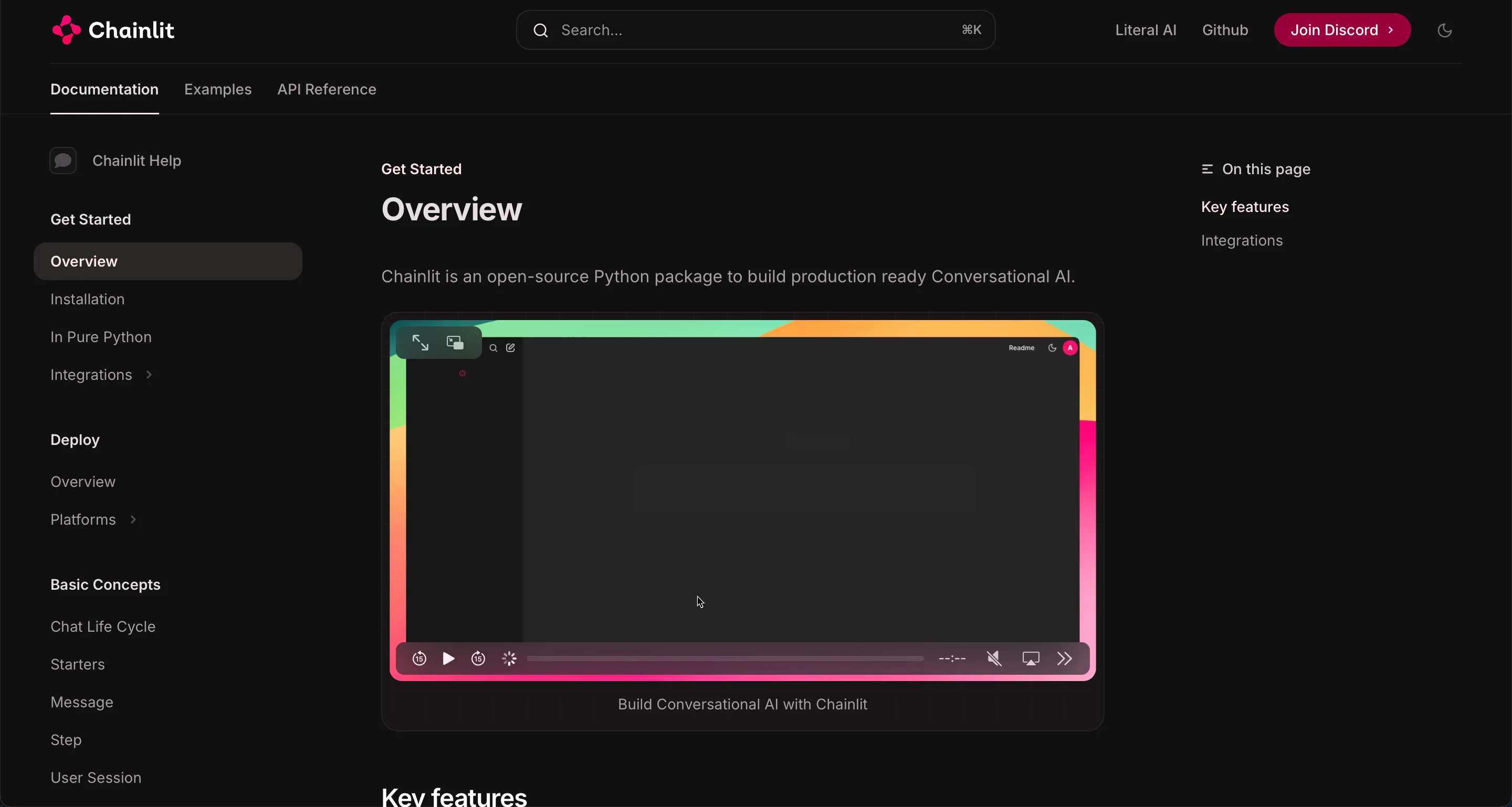
Chainlit can chain multiple artificial intelligence models together to create powerful applications. It’s perfect for complex AI workflows that have multiple steps, where different AI systems work together to complete a task.
A good example is a personal finance assistant. For it, instead of using a single artificial intelligence or machine learning model, you need different models for different tasks:
- Analyze a user’s spending habits from bank transactions.
- Generate a personalized monthly budget.
- Provide investment advice based on financial goals.
Chainlit connects all these AI systems, so the user gets a step-by-step experience and doesn't have to switch apps and windows.
Many AI-powered platforms and businesses use Chainlit to manage complex workflows. For example, financial tech startups use it to automate investment and tax planning. And healthcare companies use it for AI-driven medical diagnostics and treatment recommendations.
Challenges of Chainlit
Chainlit is a newer AI framework, which means it’s still evolving. As such, you may encounter bugs or missing key features that could be present in more established frameworks. It’s also not as widely adopted yet, which could mean fewer resources or active community support.
Like LangChain, Chainlit integrates with external APIs and services, which sometimes creates challenges in setup and maintenance. So, the more tools you connect, the more potential there is for things to break.
8. CopilotKit Is AI That Works Side-by-Side with You
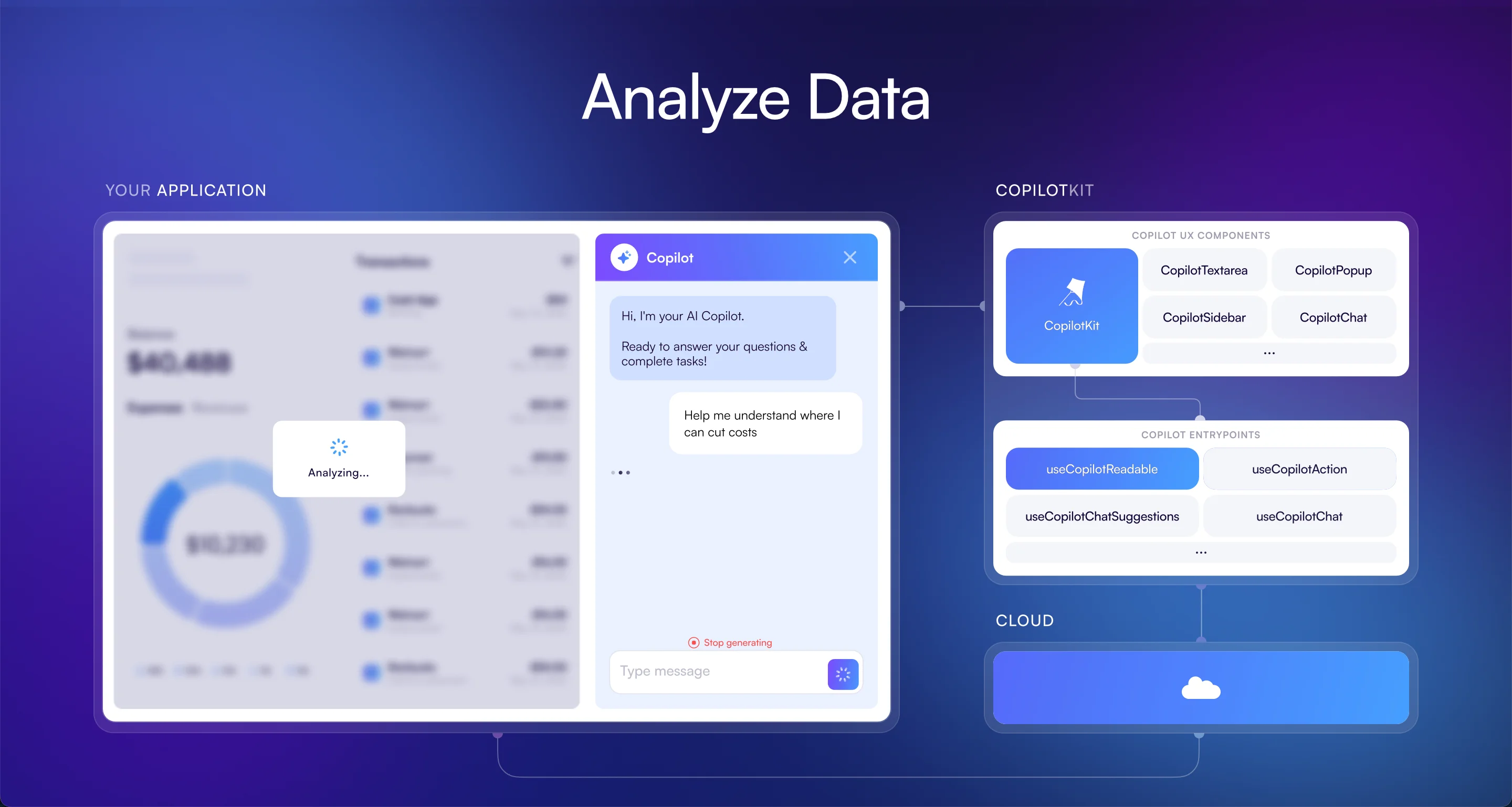
If you’ve used GitHub Copilot, you know how AI assists with writing code in real-time. But what if we tell you that AI could do the same for any app, not just coding? CopilotKit is this kind of tool, which adds AI assistance to any application and makes it interactive, personalized, and collaborative.
It's a handy tool for spreadsheet users when they are struggling to figure out complex formulas. Instead of searching online, AI could:
- Suggest the correct formula based on what you’re typing.
- Detect and correct errors in existing formulas.
- Automate repetitive tasks, like generating reports or cleaning up data.
CopilotKit integrates AI into your workflow, so you don’t have to switch between different tools. Some of the most popular use cases also include:
- Writing and editing apps, where AI suggests better sentence structures, fixes grammar, and even generates content ideas.
- CRM and customer support software, where AI drafts emails, summarizes customer issues, and suggests responses
- Project management tools, where AI implementations track progress, automate reports, and suggest next steps.
Challenges of CopilotKit
Another newer AI framework, CopilotKit doesn’t have the same extensive documentation or community support as more established frameworks. Developers might struggle to find answers to issues or get help from a large user base.
Similar to Chainlit, CopilotKit is still in the process of software development and improvement. It has great potential, but it may lack some advanced features or stability that more mature AI frameworks support.
CopilotKit is fantastic for creating task-specific AI assistants, but not as versatile for other types of AI projects. Its focus on creating copilots for specific tasks makes it less flexible for more general AI development process.
Finally, Which AI Framework Should You Use?
Now that you know about these AI development frameworks, you might think that picking the right one depends on what you want to build. And you're correct. Feel free to refer to this table whenever you need to refresh this information:
AI frameworks make it easier than ever to build powerful AI solutions without reinventing the wheel. You can develop chatbots, search engines, or interactive AI apps and bring your ideas to life faster.
If you're just getting started, try experimenting with Streamlit or Gradio because they make AI capabilities fun and accessible. And if you’re building more advanced AI workflows, LangChain and Chainlit are best.
So why wait? Start exploring them today and see what amazing AI-powered creations you can build. If you need help, feel free to reach out. At Akveo, we know how to pick the AI framework for the most sophisticated use cases!
{{cta="/service-blocks"}}