



Scaling a business is an exciting milestone, but it brings with it some challenges, especially when it comes to managing complex processes efficiently. This is where business process automation (BPA) tools step in.
Let’s take a look at some of the best tools for smooth process automation – ones that boost productivity and can easily scale as your business grows.
However, before we dive into the business process automation software comparison, let's take a look at an important “pre-selection” stage: learning what BPA tools are and identifying the specific requirements your company needs for business process automation tools.
What are BPA tools?
Business process automation tools are specialized software solutions that help organizations automate repetitive, time-consuming tasks and streamline complex workflows. BPA tools are used across various industries to enhance productivity, improve accuracy, and optimize resources by reducing reliance on manual intervention. When you automate tasks like approvals, data entry, reporting, or internal communication, your team gets more time to focus on work that really matters. Plus, automation cuts down on human error and keeps things running consistently. And the best part? Business process automation isn’t just for one type of industry – it can benefit teams across the board. They are deployed across a wide range of sectors, including finance, healthcare, manufacturing, education, retail, and technology. And across all these domains, they are introduced with one main goal, which is to automate repetitive tasks and streamline workflows.
For large enterprises or scaling businesses, BPA tools are particularly valuable in managing the complexities of growing operations, handling high volumes of data, and ensuring compliance with regulatory requirements.
What is the difference between RPA and BPA?
Both BPA and RPA (Robotic Process Automation) aim to automate routine tasks (which is quite obvious from the names of these concepts). However, they are different in their scope, approach, and application.
BPA
To begin this short comparison, let us provide an answer to one of the most popular questions: "What is business process automation?".
BPA presupposes using technology to automate complex, multi-step business processes to reduce the need for manual work and speed up operations. Instead of people doing repetitive tasks, a BPA system can handle those automatically according to predefined rules.
RPA
Robotic process automation is about handling individual tasks (like filling in forms or transferring data from one place to another). Such solutions utilize software bots that record and replay user actions. Sometimes they can also be enhanced with AI for basic decision-making.
These bots are best suited for simple, repetitive tasks such as data extraction, form filling, or file transfers.
Many companies apply both BPA and RPA together. For instance, a BPA platform may orchestrate an end-to-end workflow. This automated workflow may also include RPA bots performing specific routine tasks inside that larger process.
Why your scalable business needs BPA tool integration
Bringing business process automation into your day-to-day operations can make a big difference – especially when you're thinking about long-term growth. Let’s break down why smart automation should be a priority for any growing business.
Efficiency
One of the most immediate and visible benefits of automation is its ability to streamline processes and eliminate repetitive tasks. Activities like data entry, invoice processing, employee onboarding, customer service ticketing, and document approvals are traditionally rather time-consuming. Moreover, they are prone to human error and delays. But all of them can be executed flawlessly by process automation tools.
When you minimize manual intervention in repetitive tasks, employees have more time to focus on higher-value activities that require critical thinking, creativity, and strategic planning. This can significantly streamline workflows and improve productivity across departments. Apart from this, it shortens turnaround times for internal and customer-facing processes. When your processes run smoothly, your team can move faster – and that means getting to market quicker and staying flexible as things change. Automation also helps keep tasks consistent and error-free, which reduces the risk of delays or damage to your reputation.
Cost savings
As a rule, when you want to scale your business, you will need to add more people, more departments, and more administrative overhead. All these tasks drive up operational costs. Workflow automation offers a smarter path to growth. It helps to optimize the way work gets done, without proportionally increasing your workforce and, consequently, expenses.
By automating business processes, you can reduce the need for overtime, minimize the costs associated with correcting human errors, and minimize your dependency on expensive manual tasks. It also optimizes resource allocation.
In the long term, business process automation tools enable businesses to grow without necessarily expanding operational costs.
Accuracy and compliance
As your business grows, you’re still expected to meet the same internal standards and external regulations. That could mean anything from keeping solid audit trails and protecting customer data to making sure your financial reports are spot on.
That’s where business process automation tools really help – they’re built to handle compliance behind the scenes. These tools handle things like checking data as it’s entered, making sure the right people approve the right steps, flagging anything that looks off, and keeping detailed records for audits. That means fewer manual mistakes and a much lower risk of running into compliance issues that could cost you money – or damage your reputation.
Automated systems also standardize data formats and workflows, which improves overall data integrity. Whether you operate across different regions with varying regulations or provide your services to industries with tight governance standards, business process automation tools give you a reliable foundation for maintaining compliance at scale.
Scalability
In a traditional business journey, the volume of transactions, customer interactions, and internal communications is gradually growing (actually, that's the goal of all the efforts that businesses make). Nevertheless, with this growth, business processes should change as well. What works efficiently for a company of 50 employees might cause an immediate collapse at an organization with 500 people on board without the right systems in place.
Business process automation solutions are designed to handle increasing complexity and data loads without sacrificing performance. Such tools scale alongside your business requirements and needs. And in this context, it doesn't even matter whether it comes to onboarding hundreds of new customers per day, processing thousands of invoices, or managing processes that involve the participation of multiple departments.
Many modern business process automation platforms are cloud-based. In other words, they can scale with you, shifting resources as demand grows and your workflows evolve. So whether you’re rolling out something new, scaling quickly, or handling a seasonal rush, your automated workflows stay on track and run without a hitch.
Actionable insights
The following advantage of business process automation is often overlooked. However, it doesn't mean that this benefit is less significant for businesses than any other.
By automating tasks with smart BPA tools, you can get access to a wide range of actionable insights that this software can provide. Every automated process generates valuable data on task duration, bottlenecks, error rates, and overall workflow performance.
Among the key features of many business automation process platforms, you can find built-in analytics dashboards and reporting tools. They give business leaders and managers real-time visibility into what’s going on – especially when it comes to critical processes. With those insights, it’s easier to spot bottlenecks, plan ahead for capacity, and focus on what needs improving.
Instead of scrambling to fix issues after they happen, teams can take a proactive, data-driven approach to keeping things running smoothly.
Improved customer experience
These days, customers expect a lot – they want quick responses, smooth service, and a personal touch. Automation helps companies keep up by streamlining workflows at every step of the customer journey, so the experience feels faster, easier, and more tailored.
For example, process optimization and automation can power instant responses to inquiries, streamline onboarding experiences, automatically update customer records, and trigger personalized follow-ups based on customer behavior. Chatbots, automated email campaigns, real-time order tracking, and intelligent routing of support tickets are among the most widely applied examples.
By creating automated workflows, businesses successfully improve customer satisfaction and also build loyalty and positive brand sentiment. These are key components for sustainable scalability and long-term growth.
Want to learn more about the key benefits of BPA implementation? Follow this link!
How to choose the right workflow automation tool?
Choosing the right workflow automation tool can make a big difference in how successful your process improvements are over the long run. But with so many tools out there, it’s easy to feel overwhelmed. The key is to look past the buzz and focus on features that actually fit your business and can grow with it. Here are the main things to look for when making your choice.
#1. Make sure they have integration capabilities
In the modern interconnected digital environment, standalone solutions can quickly become more of a burden than a benefit. Today's BPA software should effortlessly connect with your existing systems, such as ERP, CRM, databases, and APIs, minimizing setup hassles.
This helps your data flow smoothly across different teams and systems, cutting out manual work and lowering the chances of mistakes. Tools with easy drag-and-drop integration features save time and reduce the need for heavy custom coding. Ideally, you want something that comes with ready-to-use connectors, supports REST APIs and webhooks, and works well with the apps your team already uses.
#2. Analytics and performance tracking among the key features
Go for tools that offer strong analytics and reporting features – they make it easy to see how well your workflows are really performing. You’ll be able to track things like how long tasks take, where errors are happening, how your resources are being used, and where processes tend to slow down. This data is vital for continuously optimizing business workflows and making data-driven decisions about future improvements.
The best tools offer customizable dashboards, real-time reporting, and historical trend analysis. If the business process platform offers predictive analytics, it can be an additional bonus point for it. This tool will be able to forecast automated task outcomes or resource needs based on current trends.
#3. Low-code automation possibilities
Technical barriers shouldn't stand between your teams and the benefits of process automation. Opt for tools with intuitive interfaces, like drag-and-drop builders and low-code/no-code environments, to empower both technical and business users without a technical background.
Thanks to such functionality allows non-technical users, including business analysts, operations managers, and customer service teams, to design, implement, and iterate on solutions to streamline processes without needing constant IT support.
When you make process management and process automation accessible to more people in your organization, you speed up innovation, adapt more quickly to changes, and cut down the time it takes to build and improve apps.
#4. Built for your growth
Ongoing scalability is key. That's why you should ensure the tool can handle increasing data loads, workflow complexity, and user numbers as your business continues to expand. The chosen process automation tool shouldn't limit you in your business development.
Scalability considerations include the tool’s ability to handle larger volumes of data, increased process concurrency, expanded user bases, and more sophisticated business logic. A good workflow automation platform should offer flexible licensing models, cloud-native or hybrid deployment options, multi-instance support, and other key features like load balancing.
#5. Tailored to your unique needs
What suits one business might be completely ineffective for another. Choose a BPA tool with robust customization options, allowing it to align with your unique workflows instead of forcing you into inflexible templates.
Opt for platforms that offer flexible form builders, modular process creation, conditional logic, role-based access controls, and the ability to create custom integrations. Some tools also provide industry-specific workflow templates. But the most important thing here to look for is flexibility. You shouldn't try to adjust your processes to make them suitable for the offered workflow templates. The platform should adapt to your processes.
While flexibility is a must (especially if you have complex processes), don't forget that customization tasks usually can't be performed with the help of drag-and-drop tools. To adjust the existing components to your needs, custom code may be required. For such tasks, business users may need support from professional developers.
Additional points to think about
Besides, it's recommended to ask yourself these questions before choosing a BPA tool:
- What are my business's most time-consuming or error-prone processes?
- How well does this tool integrate with my existing tech stack?
- Are there low-code/no-code services to speed up automation development?
- Can the tool scale as my business grows?
- What level of analytics do I require?
- Are there compliance or security standards it must meet?
- What's the ROI of implementing this tool?
Once you’ve figured out your needs and priorities, it’s time to start looking at tools that match what you’re after. Below are some examples worth checking out – but remember, there’s no one-size-fits-all solution. The best tool to automate repetitive tasks is the one tailored to your unique workflow processes.
Business process automation tools to look into
Appian

Appian is a powerful business process automation software that combines low-code development with robust automation capabilities. It's designed to help enterprises manage complex workflows, unify disparate data sources, and drive continuous process improvement.
Known for its focus on security and compliance, Appian is especially suited for industries like healthcare, finance, and government.
Why it can be a “go-to” option for scaling enterprises
Comprehensive automation
Appian integrates RPA, intelligent document processing, and AI-driven decision-making to streamline even the most complex workflows.
Low-code automation software
Build custom applications quickly and efficiently without extensive coding expertise.
Seamless data integration
The platform pulls data from different sources into one place, making it easier to access, understand, and use – so your team gets better insights and everything runs more smoothly.
High compliance
With certifications like FedRAMP, Appian ensures compliance with the strictest security standards, making it reliable for regulated industries (finance, healthcare, etc.).
Built for growth
Appian's scalability allows it to handle increasing data loads and user numbers while maintaining performance and efficiency.
Advantages of building automated workflows with Appian:
- Combines low-code with advanced automation (RPA, AI, and data processing).
- Highly secure, ideal for regulated industries.
- Scalable for complex processes and large enterprises.
Disadvantages of this business process automation tool:
- Steeper learning curve, particularly for non-technical users or highly regulated processes.
- Limited advanced process intelligence and simulation features.
Pricing
Pricing varies based on features, the number of users, and deployment complexity. It has both a free trial option and custom pricing based on your organization's needs and scale, with three tiers: Standard, Advanced, and Premium.
UiPath
UiPath is a BPA automation platform specializing in robotic process automation (RPA). It is known for being easy to use and packed with powerful AI-driven automation features, which makes it a great choice for businesses looking to scale automation across different workflows. It also stands out for combining automation with strong process analytics, so it works well whether you’re just getting started or already deep into automation.
Why it can be a “go-to” option for scaling enterprises
Advanced RPA capabilities
It automates repetitive and complex tasks with precision, reducing errors and improving speed.
AI integration
The platform offers intelligent features like natural language processing and machine learning to handle unstructured data and advanced decision-making.
Ease of use
The drag-and-drop interface makes it simple for everyone to use – no technical background required.
Scalable architecture
It’s designed to grow with your business, handling large workloads and multiple workflows without slowing down.
All-in-one platform
It takes care of the whole automation journey – from figuring out what to automate to keeping an eye on how things are performingso everything runs seamlessly from start to finish.
Pros of this digital process automation platform:
- Intuitive interface suitable for users of varying technical expertise.
- Supports diverse use cases across industries, including finance, healthcare, and retail.
- Scalable and adaptable to enterprise-level demands.
Cons of workflow automation with UiPath:
- Higher implementation and licensing costs compared to competitors.
- Requires advanced expertise in optimizing complex workflows.
Pricing:
- Free trial: explore basic features
- Pro: starting at $420/month
- Enterprise: flexible service offerings for comprehensive coverage.
Retool
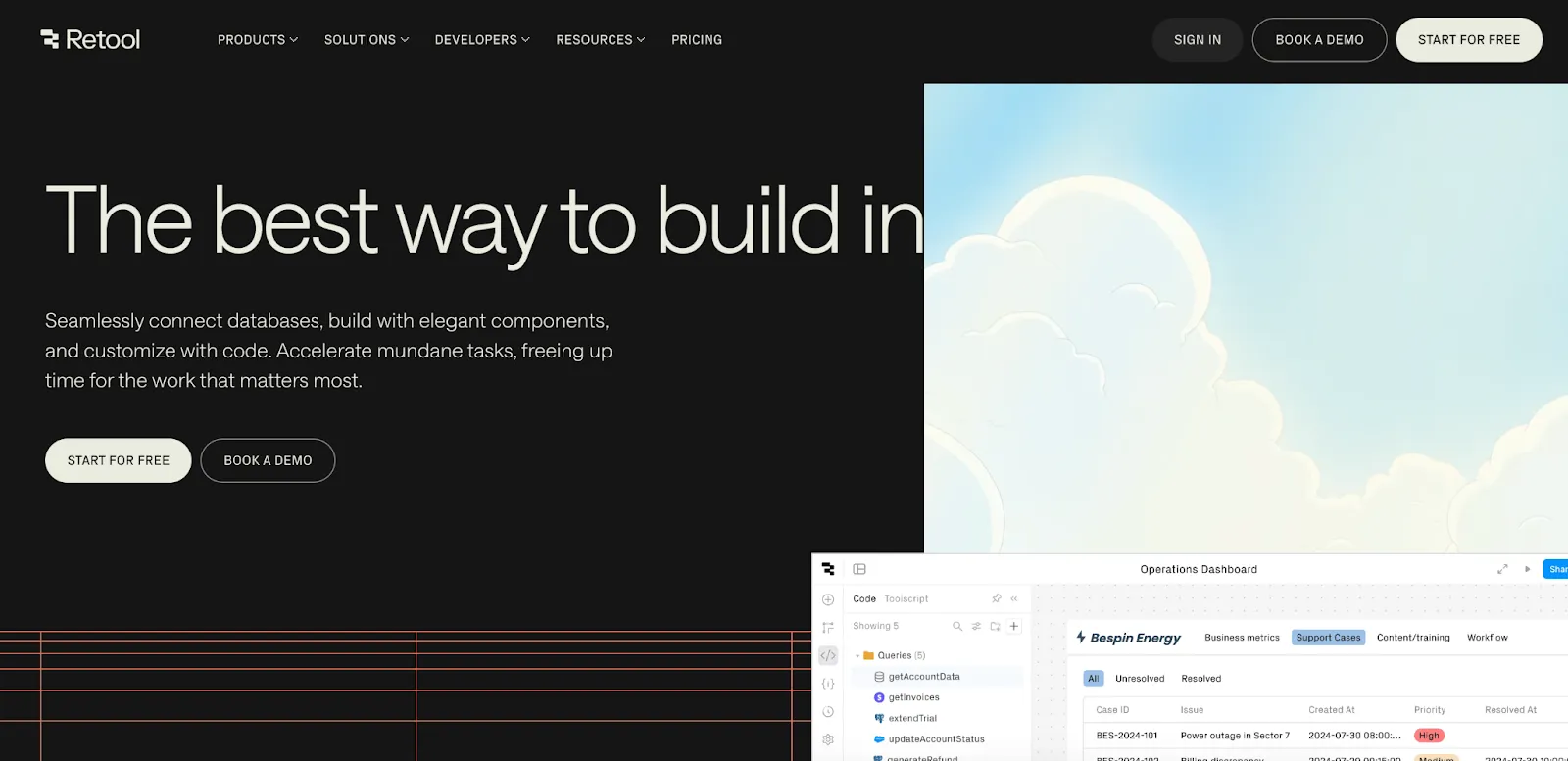
Retool is a low-code platform that makes it easier to build internal tools and automate business processes – perfect for businesses looking to scale. While it’s not a traditional BPA tool, its low-code approach helps teams quickly streamline and automate internal workflows, making it a smart choice for growing companies.
Why it can be a “go-to” option for growing enterprises
Low-code efficiency
With Retool’s drag-and-drop interface, you can quickly build custom internal tools without needing to write a ton of code – saving both time and effort.
Custom automation
The platform is ideal for automating manual processes like data handling, report generation, or workflow coordination, tailored to specific business needs.
Integration-ready
It seamlessly connects with databases, APIs, and third-party services like Salesforce or Stripe, making it highly adaptable for diverse use cases.
Scalable by design
Whether managing an expanding workforce or larger datasets, Retool supports your growth by providing tools that evolve with your operations.
Enhanced team productivity
By reducing reliance on development teams for internal tool creation, Retool frees up engineering resources for strategic projects.
Benefits of Retool for building digital process automation software:
- User-friendly, drag-and-drop design for quick tool creation.
- Extensive integrations with APIs, databases, and cloud services.
- Highly customizable for unique organizational workflows.
- Scalable and adaptive to growing business needs.
Cons of workflow automation with Retool:
- Not a full-fledged BPA tool; better suited for internal tool creation.
- Requires some technical knowledge to set up more complex workflows.
Pricing:
- Free plan: Ideal for developers or teams exploring Retool, offering unlimited web and mobile apps for up to 5 users.
- Team plan: Starts at $10 per standard user/month (billed annually), providing essential tools for growing teams.
- Business plan: Begins at $50 per standard user/month (billed annually), featuring advanced capabilities like audit logging and rich permission controls.
- Enterprise plan: Custom pricing tailored for large-scale organizations with extensive needs and enhanced control. Want to dive deeper into Retool pricing? Read this article.
Learn more about the platform | Visit the website
Mendix
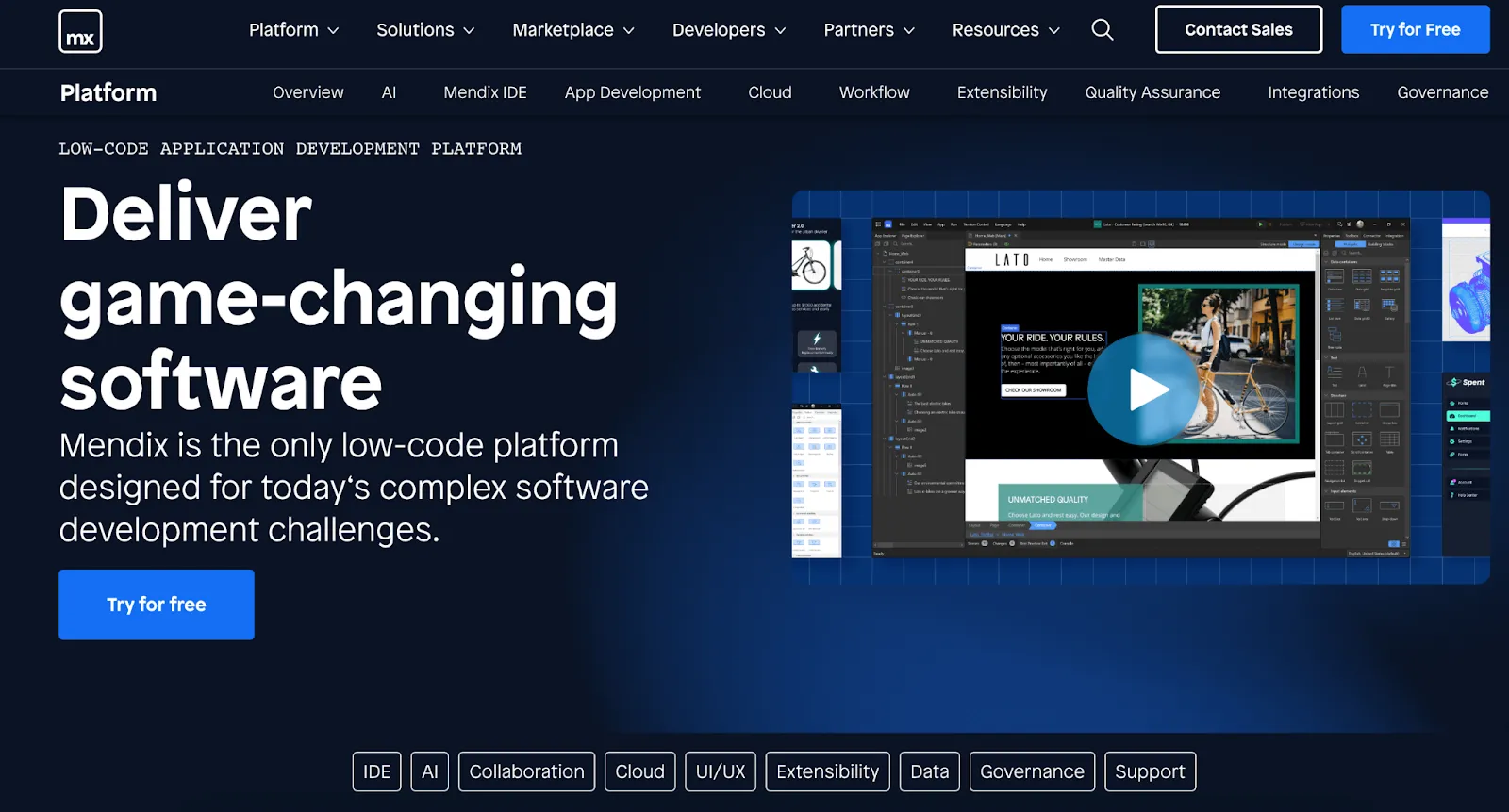
Mendix is a flexible low-code platform that helps you quickly build, launch, and manage apps – no matter how big your team or goals are. It’s great at handling complex workflows, making it easier for businesses to speed up digital transformation, improve operations, and deliver better customer experiences.
Thanks to its visual development tools and focus on collaboration, Mendix is a solid choice for companies that need a scalable, agile solution to keep up with changing business needs.
Why it can be a “go-to” option for scaling enterprises
Built for complexity
The platform excels in handling sophisticated workflows, integrating with external systems like ERP and CRM, and managing high-volume data operations.
Cloud-native and scalable
Mendix supports multi-cloud and on-premise deployment, making it highly adaptable for growing enterprises needing global scalability.
Comprehensive collaboration tools
Mendix makes it easy for different teams to work together with shared workspaces, real-time feedback, and built-in version control – so everyone stays on the same page throughout the project.
Seamless integration
The platform offers robust APIs and pre-built connectors to integrate with enterprise systems and third-party applications.
Pros of choosing Mendix for workflow automation:
- Built-in tools make it easy for teams across departments to collaborate and stay in sync.
- Designed to grow with your business, no matter how complex your needs become.
- Offers a rich library of templates, widgets, and integrations to help you build faster and smarter.
Cons of this digital process automation platform:
- Not the easiest to pick up for non-technical users – there’s a bit of a learning curve.
- Can get expensive, especially if you need the advanced or enterprise-level features.
Pricing:
- Free plan: Ideal for small-scale experimentation and individual developers, allowing access to basic features.
- Basic plan: Starts at $75 per user/month, offering essential app-building capabilities and support for smaller teams.
- Standard plan: Priced at $998 per month (billed annually), suited for medium-sized businesses needing advanced features and customization options.
- Enterprise plan: Custom pricing for large-scale organizations requiring premium support, advanced integrations, and high scalability.
Nintex
Nintex is a process automation platform distinguished by its advanced workflow automation and document management capabilities. It stands out for its seamless integration with tools like Office 365, SharePoint, and Salesforce, making it a strong choice for businesses that rely on these systems.
It’s a great fit for teams that deal with a lot of documents – like handling approvals, keeping track of compliance, or managing contracts.
Why it can be a “go-to” option for scaling enterprises
Workflow automation
Nintex excels in automating repetitive tasks, approvals, and document workflows, making it a key choice for enterprises handling complex business processes.
Document management
The platform provides strong support for generating, managing, and storing documents, a critical feature for industries like legal, finance, and healthcare.
Low-code focus
With its drag-and-drop designer, both technical and non-technical users can build and deploy workflows efficiently.
Integration ready
It works smoothly with popular tools like Office 365, Salesforce, and SharePoint, so it fits right in with the systems you’re already using.
Pros of Nintex for business process automation:
- Intuitive interface with low-code capabilities for quick workflow design.
- Robust document automation and process mapping features.
- Extensive integrations with popular business tools.
Cons of using this business process automation software:
- Costs can add up quickly for larger companies, especially as your needs grow.
- Doesn’t offer as much in-depth analytics or process intelligence as some other tools out there.
Pricing:
Pricing details for Nintex are not explicitly outlined, but the platform offers four pricing tiers based on the scope and scale of use. A free trial is also available.
Microsoft Power Automate
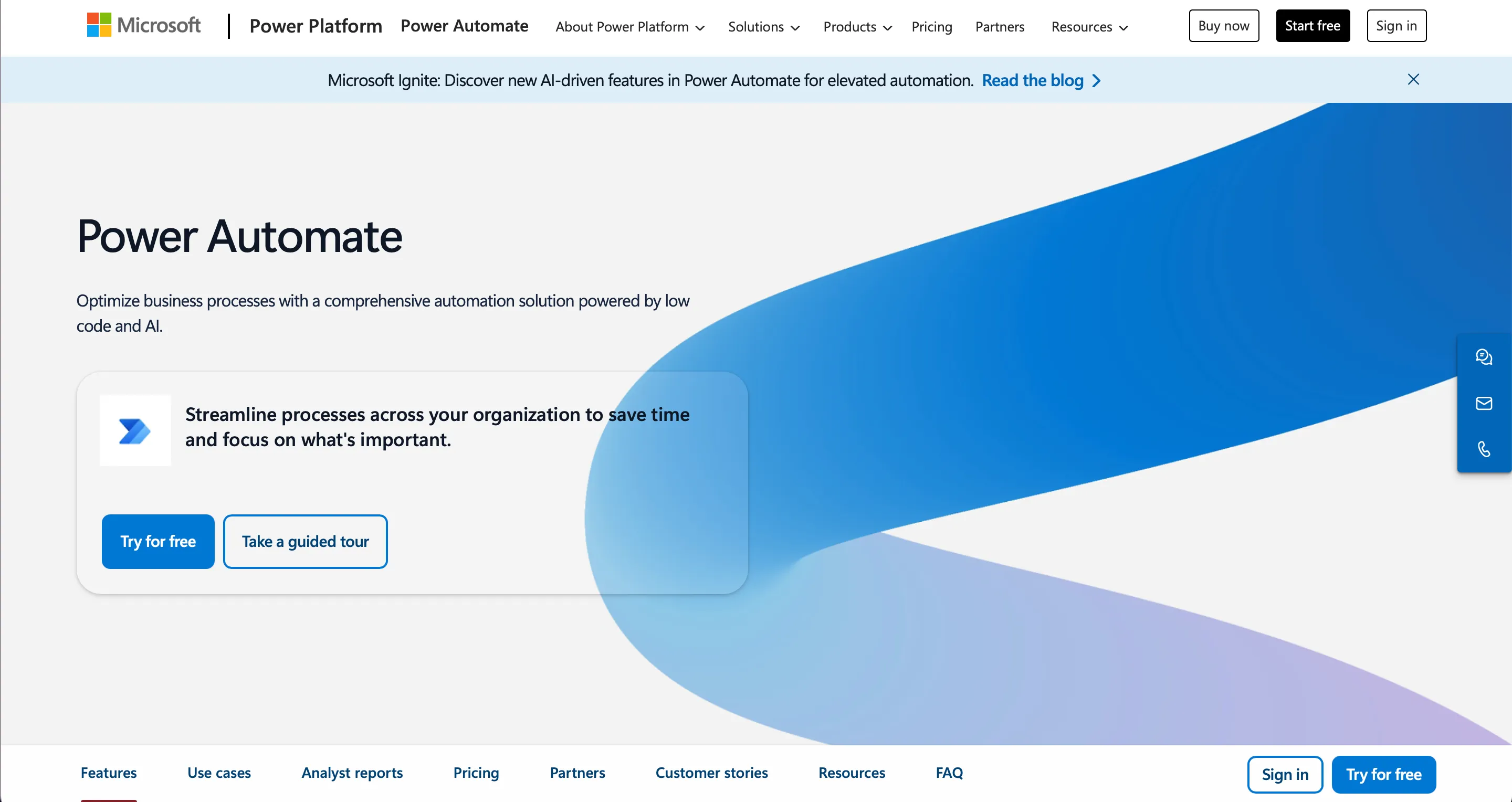
It’s a well-rounded automation tool that helps teams simplify their workflows, get rid of repetitive tasks, and connect different systems without the hassle. Since it’s part of the Microsoft Power Platform, it also comes with low-code tools that make it easier to boost productivity and speed up digital transformation.
It stands out by offering strong integration with Microsoft 365, Azure, Dynamics 365, and hundreds of third-party applications, which makes it a flexible and scalable solution for growing enterprises (and especially those that are already deeply involved in the Microsoft ecosystem).
Why it can be a “go-to” option for growing enterprises
Low-code features availability
Power Automate features a highly intuitive, low-code environment with drag-and-drop capabilities, enabling users across all skill levels to automate workflows quickly without heavy reliance on developers.
End-to-end automation
From simple task automation to complex, multi-step workflows across departments, Power Automate can handle everything.
Deep integration with the Microsoft ecosystem
Power Automate seamlessly connects with Microsoft tools like SharePoint, Outlook, Excel, Teams, and Dynamics 365. Apart from this, it also supports the connection to a lot of third-party apps, such as Salesforce, Slack, Dropbox, and Twitter.
Enterprise-grade scalability
Power Automate is built to grow with your business. It comes with solid governance, security, and compliance features – just what larger organizations need to stay in control as they scale.
Benefits of using this platform:
- The automation process is powered by prebuilt templates and AI-assisted recommendations.
- Extensive integrations with Microsoft and third-party services.
- Supports both cloud-based and on-premises automation scenarios.
- Task automation directly inside Microsoft Teams and Outlook.
Cons of process automation with this tool:
- Complex workflows may require advanced configuration and technical skills.
- Licensing costs can escalate depending on the scale of automation needs.
- Performance can vary depending on workflow design and the systems being connected.
Pricing:
- Free trial: Businesses can leverage a 30-day trial to test UI-based cloud flows and basic connectors.
- Power Automate Premium: Prices start at $15 per user/month. This plan includes cloud flows, desktop flows, as well as task and process mining for individual users.
- Power Automate Process: Prices start at $150 per bot/month. This option is intended for automating core enterprise processes and running unattended automation.
- Power Automate Hosted Process: Prices start at $215 per bot/month. This plan is very similar to the previously mentioned one. The main difference is a virtual machine managed by Microsoft and hosting on the Azure infrastructure.
{{cta="/service-blocks"}}
Pitfalls of using business process automation software
As you can see, business process management and automation tools offer immense benefits. With them, you can establish much more efficient and consistent business operations, and at the same time, save costs.
Nevertheless, you shouldn't think that the implementation of intelligent automation is a fully seamless process.
The introduction of business process automation tools comes with several notable challenges that your organization must carefully navigate. That's why, if you are preparing for process automation, you should attentively study potential pitfalls in advance in order to be ready to address them.
Complex integration with existing systems
One of the primary hurdles in adopting business process automation tools is integration with existing legacy systems.
Many organizations, especially larger enterprises, work with a mix of outdated and modern technologies. Connecting process automation software to legacy apps, on-premises databases, and various third-party services can become a nightmare for your technical team. Not to mention business users! It could be a very complex task for them, and in the majority of cases, specialists without proper technical skills won't be able to conduct this integration.
Incompatibility issues often lead to project delays, increased IT expenses, and the need for custom development work.
When integrations don’t work well, data can get stuck in silos. That means important information doesn’t flow between teams – undermining the whole point of automation. To avoid this, it’s important to plan carefully from the start and run regular system checks. In some cases, using middleware to connect older systems with newer ones can also be a smart move.
Rising licensing and operational costs
On the one hand, thanks to automating processes and reducing the need to perform repetitive tasks again and again, businesses can save operational costs. On the other hand, let's not forget that the implementation of process automation tools (including robotic process automation tools, AI solutions, APIs, etc.) can also be associated with significant investments. Of course, given all the benefits of streamlining processes and minimizing the reliance on repetitive manual tasks, these investments always pay off. However, businesses should properly plan their budgets for such initiatives.
While many business process automation tools offer attractive pricing at the outset, costs can escalate rapidly as business requirements scale. Licensing costs usually depend on things like how many people are using the tool, how much it’s being used, or how complex your workflows are. As your business grows, these costs can add up quickly and become a significant ongoing expense. In addition to this, there may be hidden costs related to upgrading process automation software versions, purchasing additions for the initially chosen key features, or expanding cloud storage.
Over time, these expenses can erode the financial gains achieved through automation if not managed proactively. Moreover, at the step of considering different process automation tools, it's worth paying attention not only to the provided key features but also to the pricing structure.
User adoption and cultural resistance
Without any doubt, AI and robotic process automation tools can bring endless benefits to organizations of different types and sizes. Nevertheless, even the concept of repetitive task automation may provoke serious worries and fears among employees.
Process automation traditionally changes how individuals work, how tasks are assigned and distributed, and how the performance of routine tasks is organized. That's why even the most sophisticated and advanced digital process automation software can fail if employees resist using it in their workflow processes.
Without proper change management strategies, employees may feel threatened, confused, or frustrated. All this can lead to very low adoption rates.
Apart from this, training for employees is critical. And it should be organized not only during initial implementation but continuously. Process automation tools evolve, automated processes change, and people should know how these updates can affect their work and business operations in general.
To make automation really work, companies need to build a culture that’s open to digital change. That means clearly explaining the benefits, offering solid training, and making sure teams have the support they need along the way.
Security and compliance challenges
When you need scaling process automation across multiple departments or offices (especially if they are located in different regions), security and compliance concerns become significantly amplified.
Business process automation tools typically deal with sensitive data, which makes it a very appealing target for cyberattacks. In highly regulated industries like finance, healthcare, and government, non-compliance with data protection laws, including GDPR and HIPAA, can lead to serious fines and reputational damage.
Automation should always be built with security in mind – that means protecting data as it moves, setting clear access controls, using encryption, and keeping detailed audit logs. It’s also important to regularly check for security issues through assessments and scans, and stay on top of compliance audits.
When choosing a platform, look for one that’s certified for strong compliance standards and supports the regulations your business needs to follow. It’s a smart way to reduce risk and stay protected.
Over-automation and loss of flexibility
Another serious risk is the tendency to over-automate. A lot of companies start their automation journey with small manual tasks and only critical processes, but step by step, they move to other stages and start creating automated workflows for every business function.
Of course, they do this in the drive for efficiency. As a result, they may attempt to automate every possible task, including those that actually benefit from human involvement, creativity, or adaptability.
This can lead to complicated process management. Automated workflows often become too difficult to modify when market conditions change.
Relying too much on process automation can sometimes make it harder to spot new opportunities or catch risks early. That’s why it’s important to strike a balance. Not every process needs to be automated – some are better left flexible and guided by human judgment. The key is to regularly review what’s working and what might need a more hands-on approach.
Final thoughts
At the stage of scaling your enterprise, choosing the wrong digital process automation software can hinder progress.
Our business process automation experts can help you select and deploy the tools that drive efficiency, automate routine tasks, optimize workflows, and support sustainable growth. Let us help you transform challenges into opportunities with smart, scalable automation strategies and powerful automation solutions.
If you're interested, just drop us a message to explore your ideas and take the next step in your business journey.