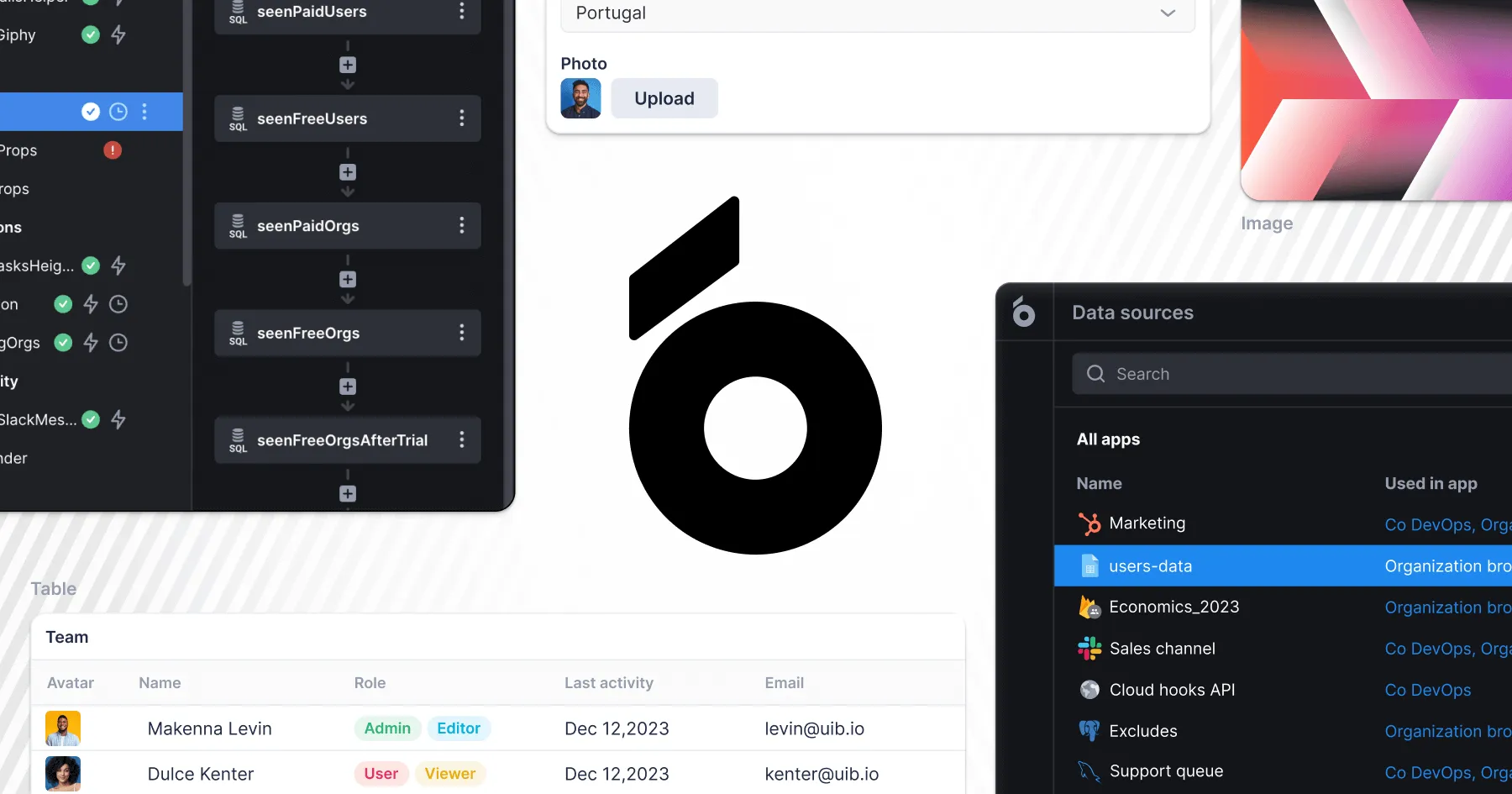


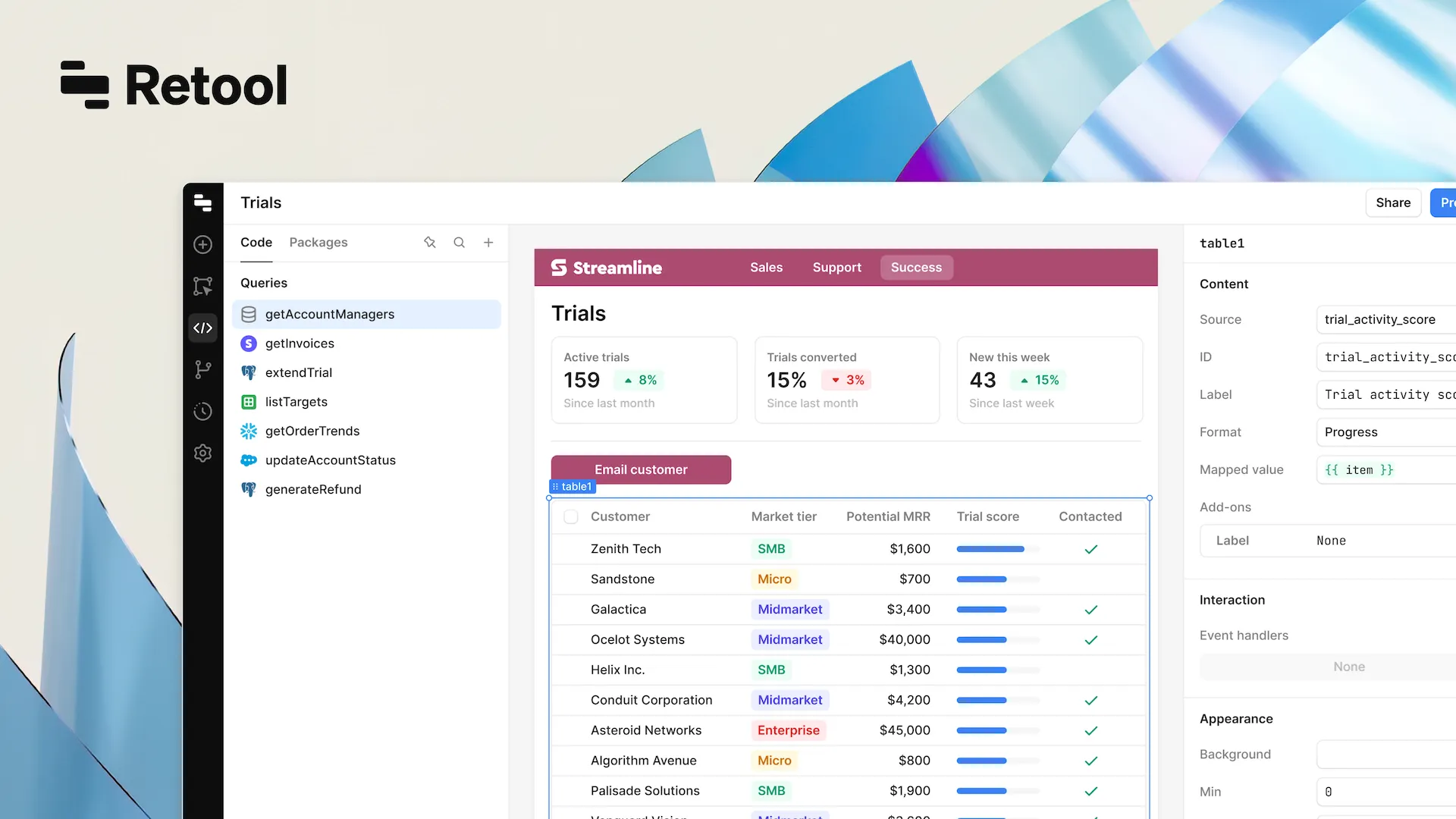
Imagine this – you need to develop a powerful internal tool for your business, but you need to get it done fast (like yesterday). Obviously, traditional business software development will not solve this challenge. That’s where Retool steps in as an app builder, allowing for quick development of internal tools.
What is Retool?
Retool is a low code platform that allows you to create internal apps in a decent time. As an app builder, it enables developers to create both web and mobile applications seamlessly. It has plenty of pre-built components that you can use and modify, so the dashboard, data management system, or something else can be done in hours.
The beauty of Retool is that it’s designed to work with the stuff you’re most likely already using (databases, API integrations, and all other systems). Plus, with Retool, developers can construct internal tools up to 10 times faster than traditional coding methods.
At the end of this guide article, you’ll find out what is Retool, why is it worth your attention, and how it stands out among other low code and no code platforms. So, let’s dive in!
Key Features of Retool
Retool stands out as a top choice for businesses looking to build internal tools quickly and efficiently. Here’s why:
- You don’t have to be a coding expert to use Retool. With its intuitive drag-and-drop interface, you can easily assemble your app by piecing together components – letting you focus on functionality instead of getting stuck in the code.
- No need to start from scratch! Retool offers a variety of pre-built templates that speed up development and cover a wide range of use cases, whether you’re building web or mobile apps.
- Connecting to multiple data sources is a breeze. Whether you’re working with databases, REST APIs, or third-party services, Retool makes it easy to pull in and manage your data without hassle.
- Beyond just app-building, Retool helps you streamline operations by automating repetitive tasks and creating powerful internal tools that boost efficiency.
- It is designed to handle projects of all sizes. Whether you’re working on small internal tools or large-scale enterprise web apps, Retool’s scalability ensures that your app can grow with your business.
How Retool Compares to Traditional and Other Low and No Code Platform
Although it’s obvious to some people why it’s better to use low code platforms like Retool, others might still wonder, “Why not just write javascript and build web and mobile apps from scratch?” With Retool, developers can effortlessly build both web and mobile apps – without the headaches of traditional coding. It’s a major advantage over many no-code and low-code platforms out there. Here are some key highlights.
Pros of Retool
One of the best things about Retool? It’s fast. You can easily add buttons to your internal tools to automate tasks and make everything more efficient. Instead of spending weeks (or even months) building an app from scratch, Retool helps you get it up and running in no time.
Retool integrates pretty much well with any system you might rely on. If you’re working with MySQL, PostgreSQL, or an external API, Retool will simplify the process of creating apps around your existing environment.
If you’re used to working with JavaScript or SQL, you can still continue doing it, taking your apps to a new level. Retool apps allow adding automated custom logic and data manipulation. It’s the best of both worlds – easy for non-developers to learn, but powerful enough for the ones who create custom code.
But of course, Retool is not all flawless. And to be fair, we’ll have to reveal the disadvantages of Retool here as well.
Cons of Retool
While Retool is highly flexible, it does have its limits when it comes to customization. If you need something highly specific, traditional business software development might still be the better option. While Retool offers many features, some highly specific customizations may not be included, making traditional apps development a better option in such cases.
For small to medium internal apps, Retool is fantastic. But if you’re building something at an enterprise scale, Retool can occasionally hit performance bottlenecks.
Retool’s pricing is generally reasonable, but as your usage grows, the costs can add up (and that’s understandable). Other no code or low code tools might offer different pricing models.
Why Retool of All The Platforms?
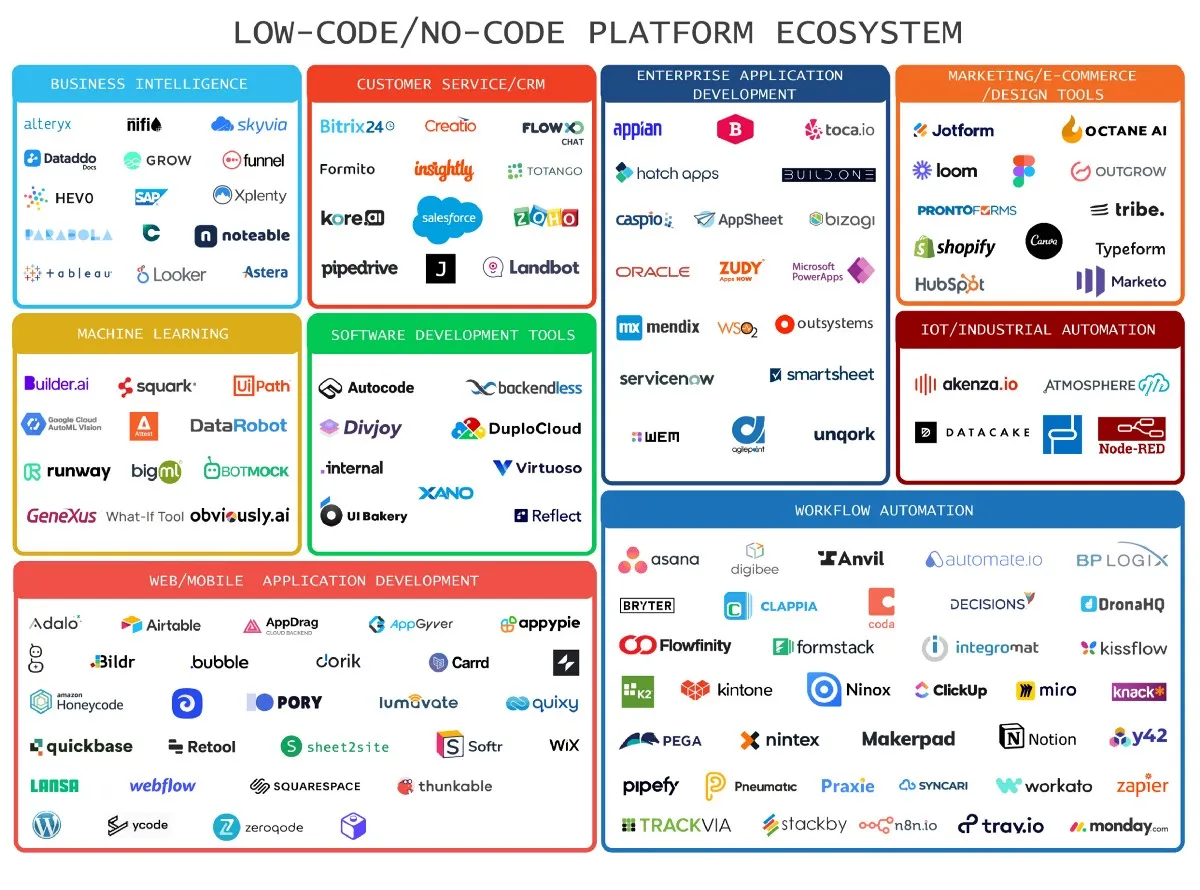
After a number of years of working with different companies, different projects, and different platforms, including Appsmith, OutSystems, Airtable, Mendix, and others, we have come to the conclusion that most of the challenges can be solved with Retool. And here’s why.
Retool's versatile app builder allows developers to create both web and mobile applications seamlessly. Its user-friendly drag-and-drop interface and ability to connect to various data sources make it particularly appealing for data engineers to build complex applications without dealing with intricate backend complexities.
Retool also reduces the need for traditional engineering resources, making it easier for non-engineering users to build and manage apps.
1. Ease of use vs. Advanced customization
Retool is great for internal tools and business apps, where function and data manipulation are key. It’s easier to use than low code platforms like OutSystems, which require more customization effort. However, no code platforms like Bubble might offer more design flexibility with easy drag and drop interface, but they tend to be less data-focused.
2. Focus on internal tools
Retool’s sweet spot is building internal web apps that function. If your goal is to build something that manages data, automates workflows, and well integrates with business systems, Retool is hard to beat.
3. Community and templates
Retool offers a huge library of pre-built templates and a helpful community, making it easier to start. All other platforms have it as well, but Retool’s integrations are generally more diverse and offer a better user experience.
If you’re still not convinced that Retool is a low code platform that will definitely become your perfect partner, check out our extended breakdown of Retool alternatives.
Who Uses Retool?
Retool is designed for a wide range of users, making it a versatile tool for various industries and roles. The app builder feature, with its user-friendly drag-and-drop interface and ability to connect to various data sources, makes Retool accessible to both technical and non-technical users. Here’s a closer look at who benefits the most from using Retool:
- Developers and Engineers
- Non-Technical Users
- Organizations
- Businesses of All Sizes
- Anyone Interested in Low-Code Application Development
By understanding who uses Retool and why, it’s clear that this powerful low-code platform is designed to meet a wide range of needs, making it a valuable tool for many different types of users.
Top Use Cases for Retool
Hopefully, now the question "what is Retool" cleared. But where does this low code platform really stand out? It's in those day-to-day operations that usually take a lot of manual work, but could be automated with the right tool. Here are some of the top use cases where Retool can definitely help you out.
1. Internal dashboards and data management
Every company needs to track performance, manage data, and make decisions based on real-time information. You can quickly build internal dashboards for these needs with Retool. They will allow you to visualize key metrics, gather and process data, and keep track of other things with just a few clicks. Retool excels in consolidating all relevant information and functionalities into one area, making it easier for teams to work efficiently.
2. Automating repetitive tasks
Let’s be real – manual tasks are frustrating. They take forever, mistakes happen, and using email for everything just makes things messier. Retool changes that. It takes care of the repetitive work – like generating reports, updating records, and sending notifications – so you can focus on what actually matters. You want everything to work well, right?
3. CRM internal tools
Most businesses rely on a CRM system to manage relationships with their clients. Although the list of platforms is huge in the market, a lot of them might be too expensive or not customizable enough.
Retool can help you customize and edit it to get (more properly to say ‘create') exactly what you need. You can pull in data from your database, let your team manage leads, create custom workflows, or do whatever else you need.
4. Admin panels for managing business operations
To manage operations you need a well-working tool. It most likely will be a ‘behind the scenes’ platform – maybe for managing users, reviewing sales reports, or handling HR processes – but it’ll be better there. With Retool, you can quickly build one of those and modify to cover all your needs. Retool allows you to integrate various external resources using REST API, making it easy for standard users to connect with diverse databases and services.
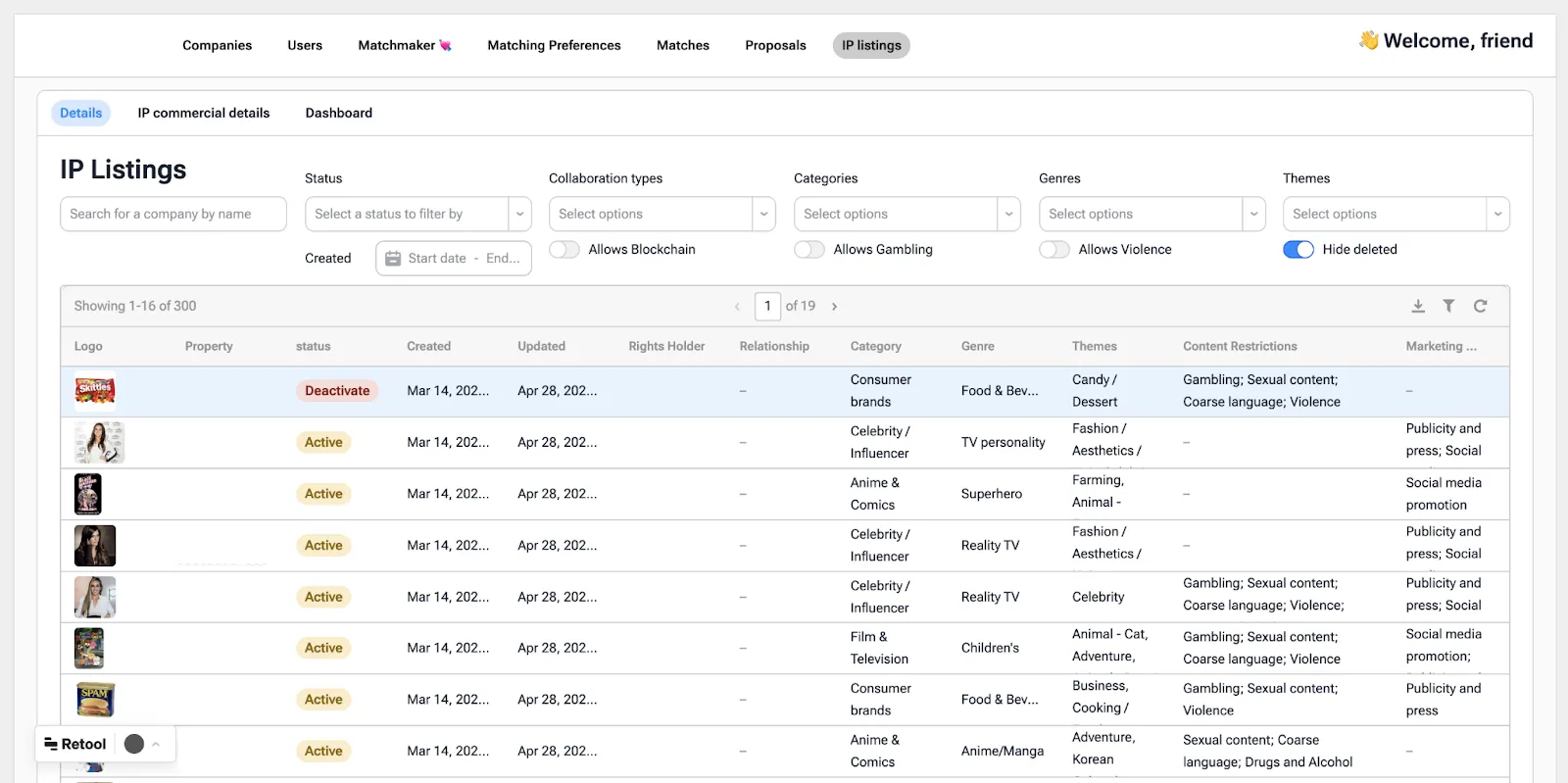
These are just a few examples of how Retool can help your business. There are so many more: you can create admin dashboards, custom internal tools, student information systems, fraud detection systems, sales analytics, mobile apps, telemedicine platforms, etc.
To dive deeper into the possibilities of Retool, check out our Retool Apps Use Cases blog post. You’ll also find some leads on this Retool landing page.
If you need a free consultation on your project, get in contact with us.
In Akveo, we have years of experience working with different low code and no code platforms, including Retool, Airtable, UI Bakery, and others.
Retool’s Community and Support
Retool isn’t just a tool – it’s a community. Developers and users are always sharing ideas and figuring things out together. If you’re just getting started or run into a problem, there’s plenty of help available in documentation and tutorials. And if you ever need more support, Retool’s team is there to help.
Is Retool Worth the Investment?
When it comes to investing in any platform, price is always a key consideration. But it should not be the only one.
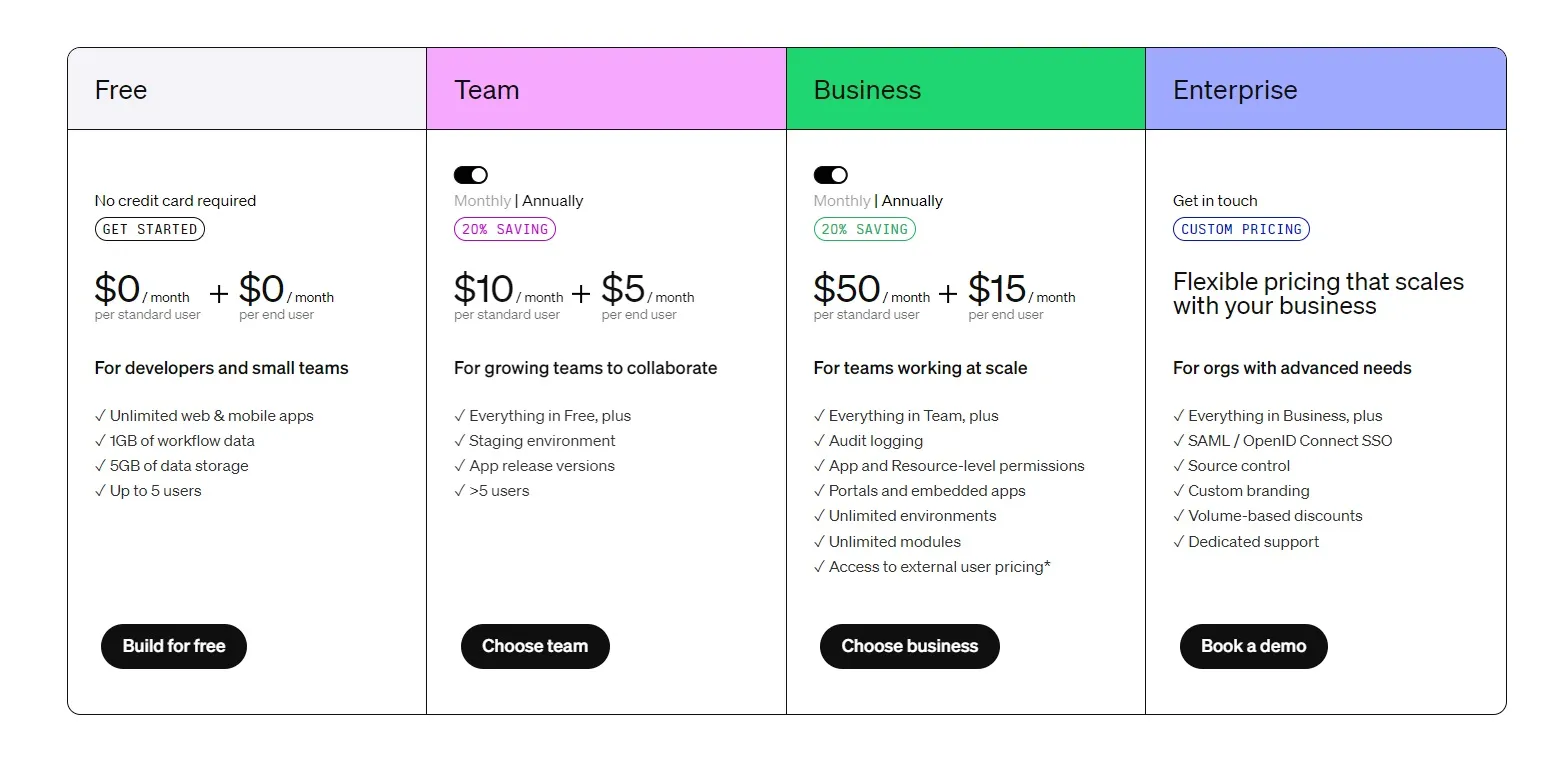
Pricing Overview
Although Retool has some of the highest cost in the internal tool space, Retool pricing should fit well businesses of all sizes – from startups to larger enterprises. Here's a quick rundown of the main pricing tiers:
1. Free Plan that is designed for those who are just starting out and want to explore the platform. It includes:
- up to 5 users,
- access to basic features like building apps, connecting to databases, and using pre-built templates.
Who it's for:
Small teams or solo users in the early stages of app building, most likely need advanced features just yet.
2. Team Plan, where most small to mid-sized businesses will likely land. It's:
- priced at $10 per user per month (billed annually),
- includes more robust features like RBAC, advanced integrations, and custom pre-built components.
Who it's for:
Growing teams that need more control, collaboration features, and the ability to scale as their business expands.
3. Business Plan for larger businesses. It provides:
- everything in the Team plan,
– extra features like SSO (single sign-on) and audit logs.
And cost $50 per user per month (billed annually).
Who it's for:
Medium to large organizations that require and maintain higher security standards.
4. Enterprise Plan for those working at a much larger scale. This plan includes:
- everything in the Business plan,
- dedicated customer support,
- a custom SLA (service-level agreement),
- options for on-premise deployment.
Who it's for:
Enterprises with specific compliance, security, and performance needs.
Do You Really Need Retool?
To decide if Retool is worth the investment, consider a few more factors:
- Time vs. Cost
Compared to traditional development, which could take months and a dedicated team of developers, Retool lets you create powerful apps in days (or even hours) with minimal effort – thanks to its simple drag and drop interface, pre-build ui components and workflow automation capabilities. You can save both time and resources.
- Scalability
Are you planning to scale your business? How far? Retool is able to manage it. There are possibilities for any company – from startup to enterprise.
- Team
For companies without a large development team, Retool is a game-changer. It allows non-technical users to build easy apps quickly, while developers have the freedom to add custom functionality. The versatile app builder feature meets various business needs by enabling the creation of both web and mobile applications seamlessly, making it particularly appealing for data engineers to build complex applications without dealing with intricate backend complexities.
The Bottom Line
So, since now you know what is Retool (and even more about the platform), is it the right choice for you? If you're looking for a way to build custom apps fast, without the hassle of traditional apps development, then the answer is probably yes. Retool simplifies the process, easily connects with your systems, and lets it run while you focus on important stuff.
Sure, it has its limits – especially when it comes to heavy customization or handling massive changes to enterprise-scale operations – but for most businesses, Retool is more than enough to get the job done.
If you are looking for experienced developers, contact us. Our team is here to help you.
{{cta="/service-blocks"}}