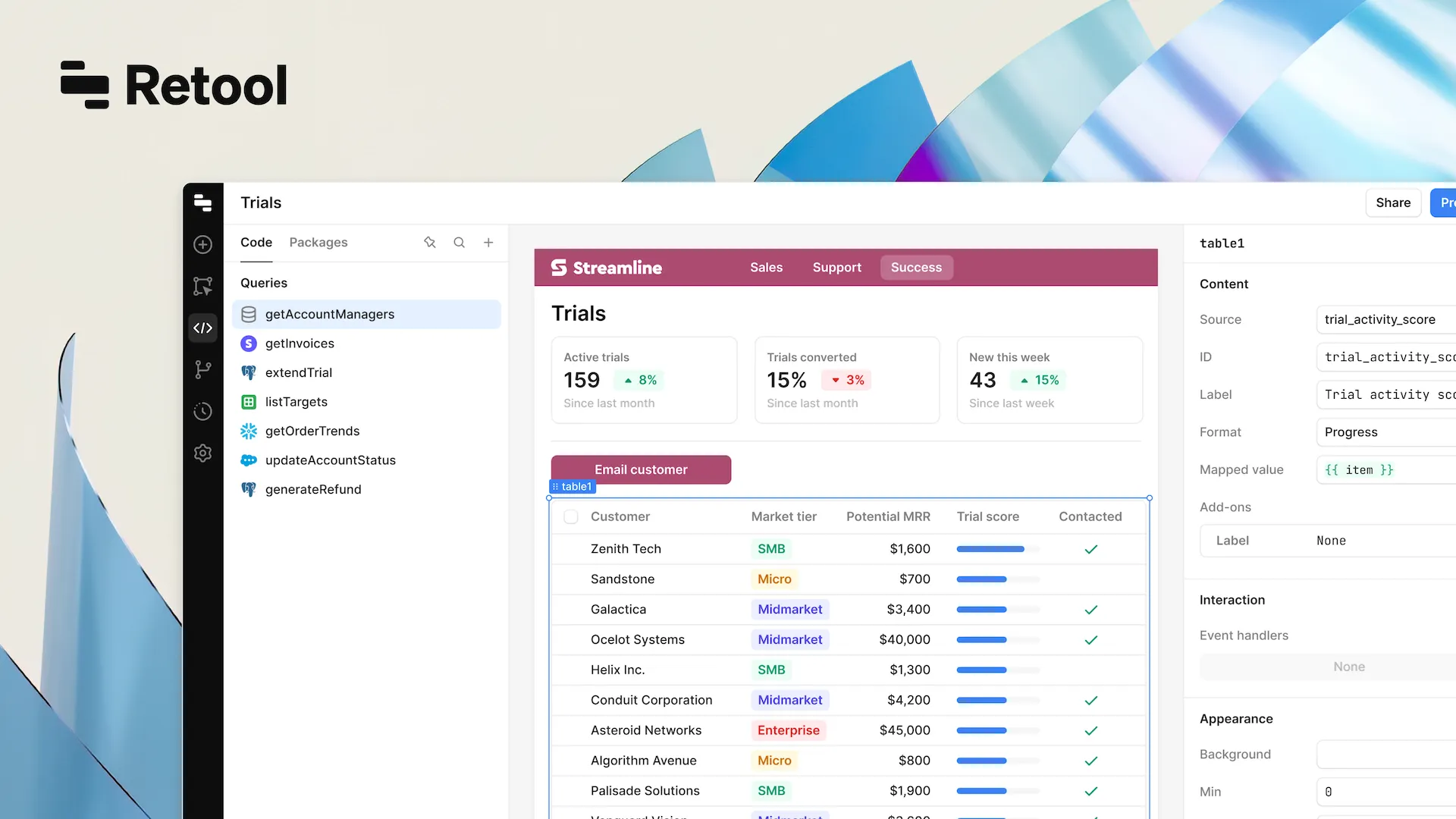


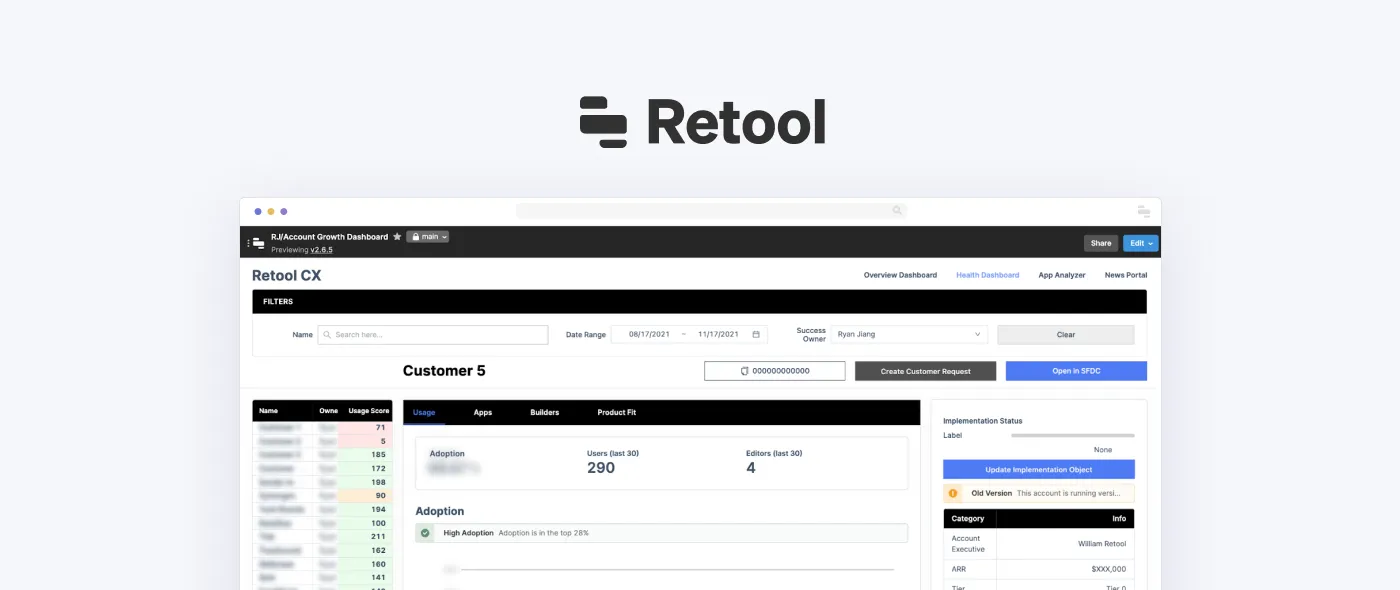
In the fast-paced world of software development, efficiency is king. Retool has emerged as a groundbreaking low-code platform that empowers teams to build internal tools rapidly.
Retool’s power comes from its 400+ templates and pre-built configurations, making it easy to kickstart internal app development. This guide explores what Retool templates are, how they work, and why they’re so useful for connecting with different databases and systems.
In simple terms, Retool templates are pre-configured, customizable building blocks designed to speed up internal tool development. Whether you need an admin panel, a dashboard, or a full-fledged CRM, these templates give you a solid starting point that you can tweak to fit your exact needs. With just one click, developers can inspire themselves from a template and connect it to their own data sources, jumpstarting the customization process.
How can you create Retool apps?
Retool makes it easy to build business apps without extensive manual coding. The interaction with the platform is mainly organized via a drag-and-drop UI builder that is accessible even to users without any specific tech skills and knowledge. Thanks to the visual approach to app creation, the development process becomes quite straightforward.
Instead of writing front-end code from scratch, users can simply pick and arrange ready-made components like tables, forms, charts, and buttons. These aren’t just static elements – they can connect to live data sources, making sure everything updates in real time.
Retool apps can retrieve, filter, and display data and key metrics in a structured manner based on specific business needs.
As Retool is a low-code platform, it allows developers to customize the created business tools by introducing custom components and modifying the available templates. To change customizable features or implement unique functionality, developers can write code in some of the most commonly used programming languages, like JavaScript, Python, and SQL.
What can you build in Retool?
Retool is known as versatile platform that can be used to create various types of business tools and apps for enhancing operational efficiency and streamlining workflows. What is even more important is that it provides Retool templates for a wide range of use cases. Here are some examples of solutions that can be built on this platform.
Admin dashboards and CRM platforms
"Is Retool a CRM?" That's the question that we hear from our clients from time to time. No, it is not a CRM. However, it can be used to create such types of solutions.
Companies of different types and sizes rely on various dashboards to manage customer data, transactions, and internal workflows. Retool allows them to create such dashboards quickly and efficiently with a wide range of open-source templates. Such panels can display live data and key metrics from various databases and APIs. As a result, teams can monitor and interact with records in real time.
Inventory management systems
Logistics and retail companies rely on inventory management tools to keep track of stock, manage suppliers, and handle customer orders smoothly. Retool apps can connect to companies' databases to provide real-time inventory updates and automate reorder processes.
Customer support systems
Support teams need to have powerful tools to respond to customer queries, and manage issue resolutions. With Retool, developers can build apps that will be integrated with support platforms like Zendesk and internal databases to create a unified dashboard.
Financial dashboards
To work efficiently, financial teams need real-time insights into revenue, expenses, and trends. Retool provides ready-to-use templates for building financial tools and dashboards, making it easy to visualize data and generate reports.
Data entry and form-based apps
Manual data entry is an essential component of various processes in different domains. For example, it can be required for many tasks related to customer onboarding or preparing compliance documentation. With Retool templates, developers can create smart forms that can validate user input and submit data to databases in order to trigger automated workflows.
Workflow automation and internal apps
Many internal processes involve repetitive tasks that can be automated. Retool enables its users to build apps that will be able to trigger workflows based on certain conditions or in accordance with the set schedule. For example, a Retool app can send notifications to users as soon as their orders are processed.
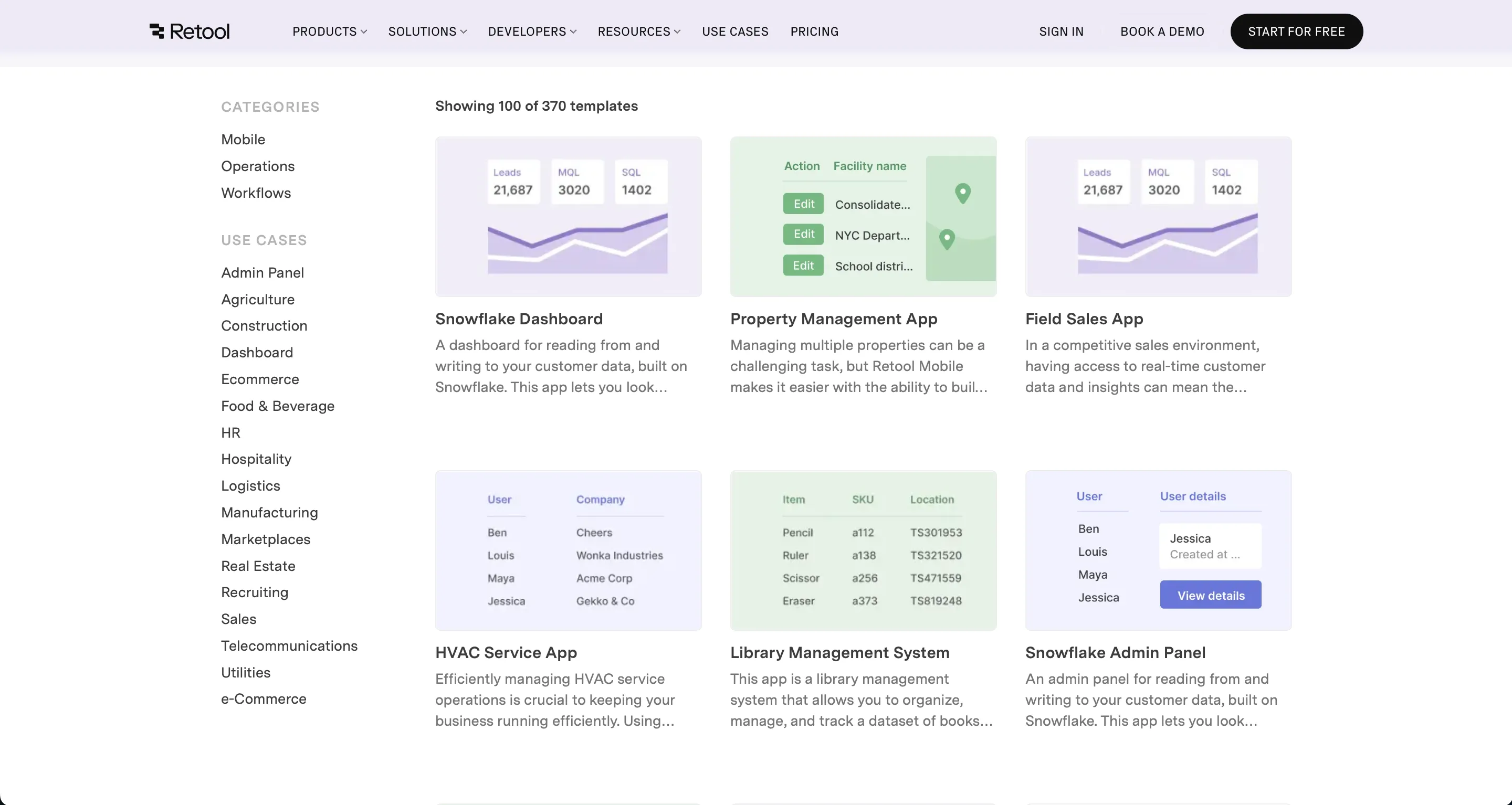
Categories and Business Domains of Retool Templates
Retool's library encompasses a broad spectrum of template categories:
- Customer Success
- Customer Support
- Data and Analytics
- DevOps
- Engineering
- Marketing
- Mobile
- Operations
- Product
- Sales
- Workflows
This diversity reflects Retool's commitment to providing solutions across the entire business spectrum. Templates cater to a wide range of use cases:
- Admin Panel
- Agriculture
- Analytics / ML
- CRM
- Compliance
- Construction
- Content / CMS
- Ecommerce
- Food & Beverage
- HR
- Logistics
- Manufacturing
- Marketplaces
- Recruiting
- Sales
- Telecommunications
- e-Commerce
These examples show just how flexible Retool is when it comes to streamlining business operations and workflows.
Some standout templates include:
- Snowflake Dashboard – great for advanced data analysis and management.
- Firebase RealtimeDB Admin Panel – lets you interact with live data in real time.
- Google Sheets Dashboard – makes data visualization and tracking simple.
These templates highlight how Retool connects to different data sources, giving users powerful tools to read, edit, and visualize data with ease.
Benefits of using Retool templates
The possibility of relying on ready-to-use components is one of the strongest arguments in favor of preferring low-code platforms like Retool to traditional coding. Let's have a closer look at the advantages and new opportunities that software developers can leverage with Retool components.
Faster development process
Pre-built UI components and workflows eliminate the need to start building software solutions from scratch. Developers can quickly deploy functional business tools without extensive coding. However, coding skills and tech expertise will be required to tailor solutions built with Retools to some specific business needs.
Cost-efficiency
The less time is spent on building custom internal tools and business apps, the lower the development costs a company will need to cover.
Moreover, when relying on Retool, businesses do not need to maintain big development teams. This also helps them optimize their tech-related expenses.
Faster iteration and scaling
With Retool templates, it is possible not only to build apps faster but also to modify and expand them without significant time and money investments.
As your requirements evolve amid your business growth, developers can apply and change the required components based on your requirements.
Increased productivity
The use of Retool templates greatly contributes to enhancing operational efficiency. Instead of waiting for developers to build fully custom applications, businesses can get their solutions faster. Having out-of-the-box components and templates, development teams can work more efficiently, without allocating much time for solving basic coding tasks.
Customization flexibility
If you think that due to the use of Retool templates, you can get only basic apps with standard features, it is not true. Templates provide a solid foundation that can be tailored to fit specific business needs.
Professional developers can introduce custom components, modify layouts, integrate APIs, and adjust logic effortlessly.
Easy integration
One of the best things about Retool’s open-source templates is how easily they connect to different databases and data sources. Whether you’re working with SQL databases like PostgreSQL and MySQL, NoSQL options like MongoDB, or real-time sources like Firebase, Retool makes integration seamless. It also supports Google Sheets, REST APIs, and GraphQL, so pulling in data and working with it is simple.
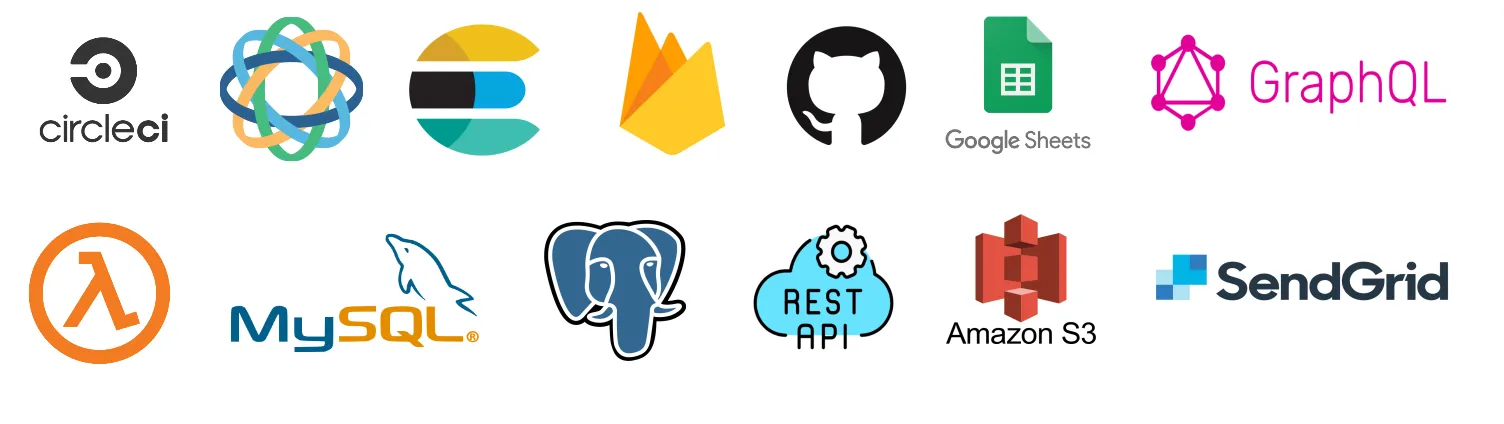
By using Retool templates, you can bring multiple data sources together in one dashboard without the usual headaches. Plus, the user-friendly interface makes it accessible – even for those without a technical background.
Enhanced data visualization
Retool templates come with charts, tables, and filtering tools that can be adjusted to specific business needs. All these customizable features can help users analyze data effectively.
Thanks to this approach to working with data and business insights, users can enjoy more structured views of key metrics and make more valuable and better-informed decisions.
What are the limitations of Retool?
Retool can become an excellent choice for building your business tools and dashboards. However, before opting for it for app development, you should also stay aware of the limitations related to Retool templates and the platform itself.
Front-end customization
Retool has rather restricted design flexibility compared to traditional custom software development approaches. You can still modify the styles of Retool templates. However, you can't completely change the UI framework. Moreover, there can be issues with the implementation of complex, highly interactive UI elements.
Performance issues with large datasets
Retool apps can smoothly work with different types of data from multiple sources. However, they may struggle with handling large amounts of data in real time. Queries that are expected to return thousands of rows can significantly slow down performance.
That's why when businesses have apps that require processing large datasets efficiently, they need to find experts that may help to optimize the performance of their tools. However, for some extra complicated systems with sophisticated logic, Retool may be not suitable at all.
Learning curve
Some very basic apps and dashboards can be built even by citizen developers with the help of Retool templates and components. Nevertheless, to address some specific business needs, knowledge of SQL, JavaScript, and APIs must be acquired.
To build more sophisticated workflows and business logic, users should be good at scripting. That's why complete non-technical users need to rely on developer assistance for such tasks.
Moreover, the platform itself has some peculiarities. When it comes to its advanced features, users may need time to understand how they work.
Vendor lock-in
Retool brings a lot of benefits in the short term. The development with its templates and ready-to-use components is much faster, cheaper, and often more efficient than with traditional coding methods. However, apps created with this platform cannot be easily exported to standalone code.
If one day you decide to migrate your apps to another platform, in some cases you may need to rebuild them from scratch.
Beyond Templates: Retool's Extensive Features
Beyond the templates, Retool is equipped with an extensive array of features designed to complement and enhance the development experience. These include a wide range of components, workflows for automating tasks, mobile support for on-the-go access, and AI Apps for integrating intelligent solutions into your tools. For enterprises, Retool offers self-hosting options and a robust set of integrations, making it a scalable solution for businesses of all sizes.
Retool templates stand at the forefront of revolutionizing how internal tools are developed, offering a blend of speed, customization, and integration capabilities. By leveraging these templates, organizations can significantly cut down development time and effort, paving the way for enhanced productivity and efficiency.
If you are considering the use of Retool or any other low-code platforms for building your apps, at Akveo, we are always ready to offer you professional assistance. Our developers have rich expertise in dealing with this type of technology and can cope with tasks of any complexity. Contact us and let us know how we can help you.
{{cta="/service-blocks"}}