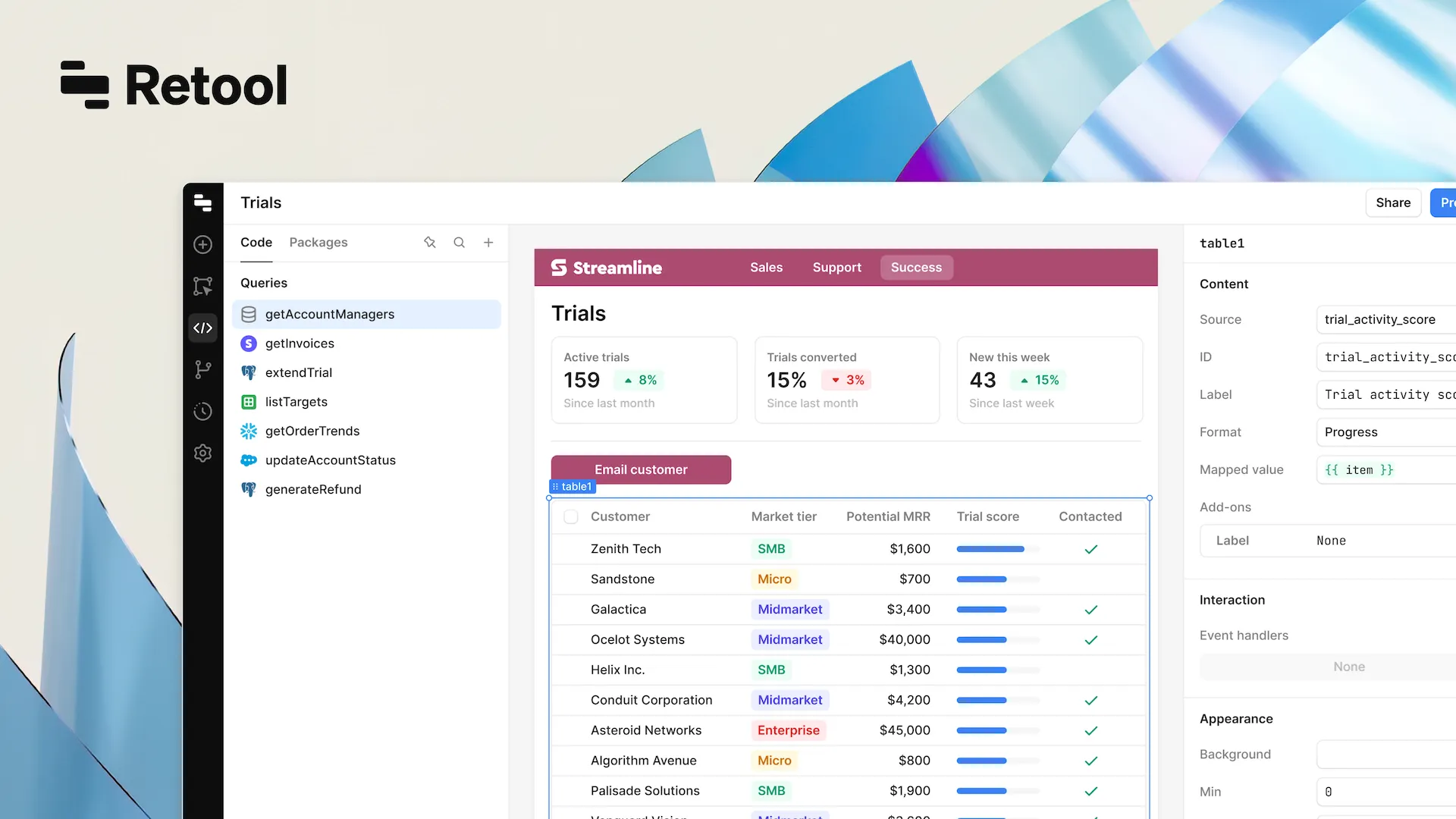


You’ve probably heard a lot about AI in the past few months. It is everywhere now – in the news, on social media – and even in your real life. Like many other hype things, AI might seem to be something temporary and unnecessary for businesses. But that’s not the case, especially if you are considering experimenting with AI in Retool.
Just imagine: most manual routine activities, which, in addition to being boresome, are usually heavily time-consuming, can be effectively performed by a Retool app powered with AI solutions. You can have plenty of time for what you like more: creativity, strategy, and innovation. And it’s not a distant future scenario.
What is Retool AI?
Retool AI is where artificial intelligence meets the simplicity of Retool’s app-building platform. It’s designed to help businesses build smarter tools faster by integrating AI directly into their workflows.
Here’s a simple way to think about it: Retool already makes it easy to create custom apps for your business. Now, with AI, those apps can do even more – analyze data, automate decisions, and even interact with customers – all while saving you time and effort.
How does it work?
Retool AI brings advanced capabilities like predictive analytics, natural language processing, and image recognition into reach. It’s not just about adding AI to your apps – it’s about making it practical and impactful for your business.
Here are some ways Retool connects to powerful AI tools:
- OpenAI: For text analysis and chatbots.
- Google Cloud AI: To generate predictions and uncover data insights.
- AWS SageMaker: For building and deploying machine learning models.
Why does it matter?
With Retool AI, you can automate routine tasks, uncover valuable insights from your data, and focus on what really matters – innovating and growing your business. It’s about cutting through the complexity of AI adoption and giving you practical tools to make a real difference.
In short, Retool AI simplifies AI and empowers you to build smarter, more efficient solutions that deliver results.
Why choose Retool with AI for business?
You know how some tasks just waste the time – like pulling reports, updating spreadsheets, or managing inventory? They’re important, but let’s be honest: they’re tedious and keep your team from focusing on the bigger picture. That’s where AI tools come in. They’re not about being flashy; they’re about making life easier and giving you back time to work on what really matters.
1. Get rid of the tedious work
We’ve all spent way too much time on repetitive tasks – things like gathering data, organizing files, or formatting reports. AI can handle all of that for you. It’s fast, accurate, and frees up your team to focus on projects that actually drive results.
For example, think about your finance team. Instead of spending hours pulling numbers together for a weekly report, they could use an AI tool to do it automatically. All the data is ready to go, and they can focus on making decisions instead of compiling spreadsheets.
2. Build tools that actually work for you
Not every business works the same way, and generic tools don’t always fit. That’s the beauty of AI – you can create solutions that solve your specific problems. Whether it’s managing customer requests, tracking inventory, or analyzing data, you can build something that works exactly how you need it to.
A good example? A retail team could use AI to track inventory in real-time. It could even predict when stock levels will run low so they can restock ahead of time, avoiding problems before they happen.
3. Get more done without hiring more people
Sometimes, it’s just not practical to add more staff to handle growing workloads. That’s where automation can step in. By automating repetitive tasks, AI helps your team get more done without stretching your resources or your budget.
Imagine a marketing agency using AI to analyze campaign performance. Instead of spending hours combing through data, they could automate the whole process and focus on building better strategies for their clients.
4. Keep your data safe
If you’re working with sensitive information, security is always top of mind. AI tools today are built with features like encryption and strict access controls, so you can trust that your data is safe and compliant with regulations.
Think of a healthcare provider using AI to organize patient feedback. They can process information faster while ensuring that everything stays private and secure. It’s a win-win.
5. It’s easier than it sounds
“AI” can sound complicated, but it’s really not as intimidating as it seems. These tools are designed to work with the systems you’re already using, and you don’t need a full IT team to make them work.
For example, a logistics company could use AI to predict delivery times more accurately. They don’t need to reinvent their entire process – just add a tool that makes everything run smoother.
AI isn’t about replacing people – it’s about taking the pressure off. By automating the time-consuming stuff, customizing tools for your business, and improving security, AI lets your team focus on what they’re best at. It’s not about doing more – it’s about doing things smarter.
If you’re looking for a way to make your business run smoother and free up time for the bigger challenges, AI is worth exploring.
Useful AI features in Retool
Every business runs into tasks that are time-consuming or hard to streamline – whether it’s digging through data, managing repetitive workflows, or creating tools that actually fit your needs. Retool AI isn’t just about adding fancy technology; it’s about solving these kinds of problems and making your day-to-day work smoother and smarter. Let’s go over some of the ways it can help.
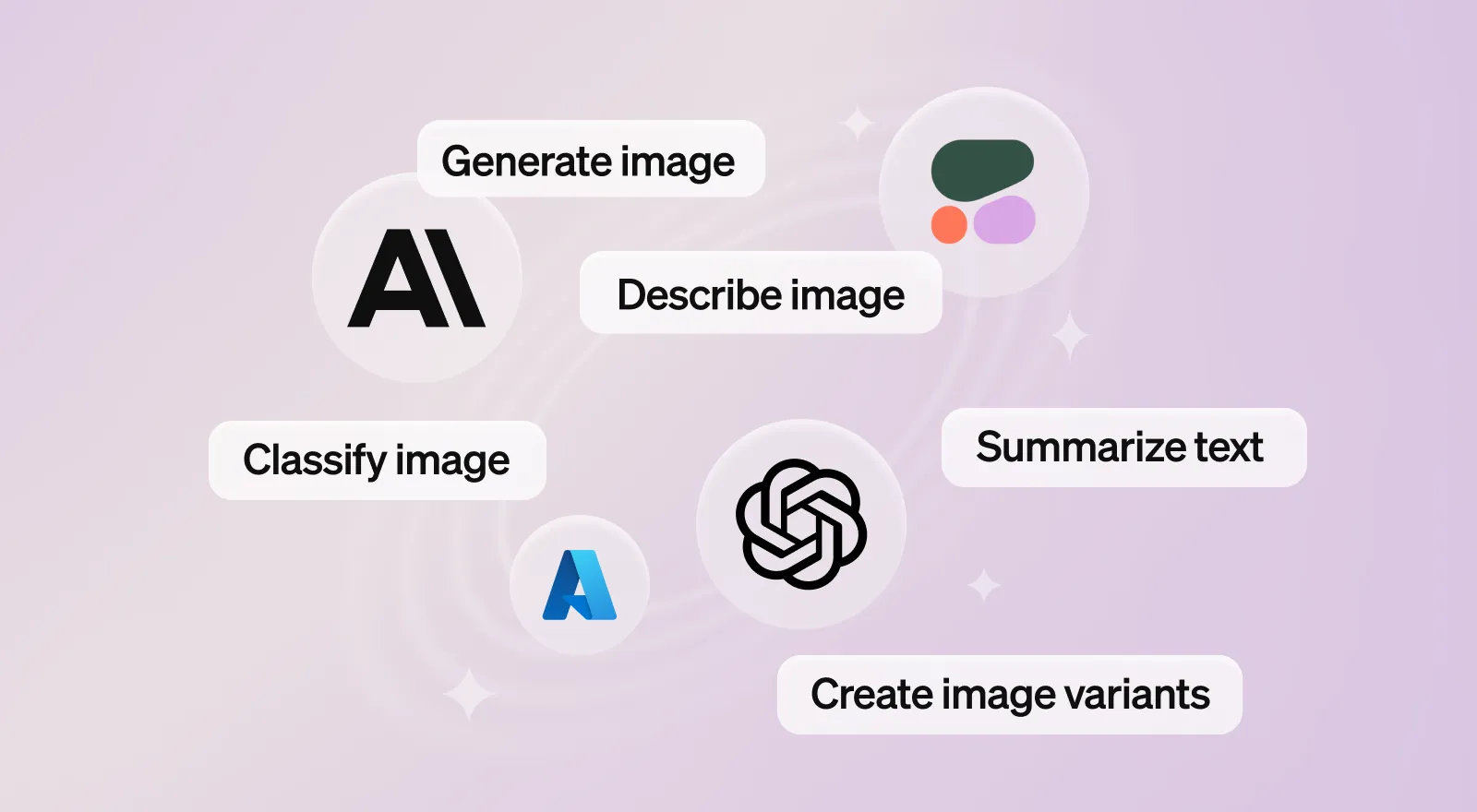
1. Integration with Machine Learning Models
Machine learning sounds complicated, right? But Retool AI makes it surprisingly straightforward. It works with platforms like Google Cloud AI, AWS SageMaker, and OpenAI, letting you integrate advanced tools without a steep learning curve.
What you can do:
- Use predictive analytics to understand what might happen next, whether it’s customer behavior or market trends.
- Process text data easily with natural language tools, like sorting through reviews or analyzing customer feedback.
- Add image recognition for tasks like quality checks or visual data analysis.
- Use pre-built models or adjust them to suit your unique needs.
2. AI-powered chatbots and virtual assistants
We’ve all dealt with frustrating chatbots that give canned responses. Retool AI lets you create bots that actually understand and adapt. These aren’t just customer service robots – they can make communication faster and more personal.
What they’re good for:
- Automating repetitive tasks, like tracking orders or answering FAQs.
- Making responses feel human by using customer data to personalize replies.
- Running on multiple platforms, like your app or social media, to stay accessible.
- Helping you tweak their performance by tracking what works and what doesn’t.
3. Advanced data analysis and reporting
Let’s be honest: analyzing data can be overwhelming. Retool AI takes that burden off your plate. Instead of digging through spreadsheets, you get clear insights and reports that are easy to act on.
Here’s how:
- Spot trends or risks in your data automatically, without manual effort.
- Build dashboards that update in real-time so your team always has up-to-date info.
- Create reports that don’t just show numbers – they offer insights and actionable steps.
4. Workflow optimization with AI
Improving processes can feel like trial and error, but AI helps you get it right faster. Retool AI looks at your workflows, finds inefficiencies, and helps automate the parts that slow you down.
Where it helps:
- Highlighting bottlenecks in your current processes.
- Automating approvals, notifications, or routine tasks.
- Scaling workflows easily as your business grows, without adding extra work.
5. Tailored AI actions for unique business needs
Every business is unique, and generic tools don’t always cut it. Retool AI gives you the flexibility to create solutions tailored to your specific challenges.
What you can build:
- Fraud detection systems to catch red flags early.
- Sentiment analysis tools to understand how your customers feel.
- Real-time alerts for operational issues or market changes.
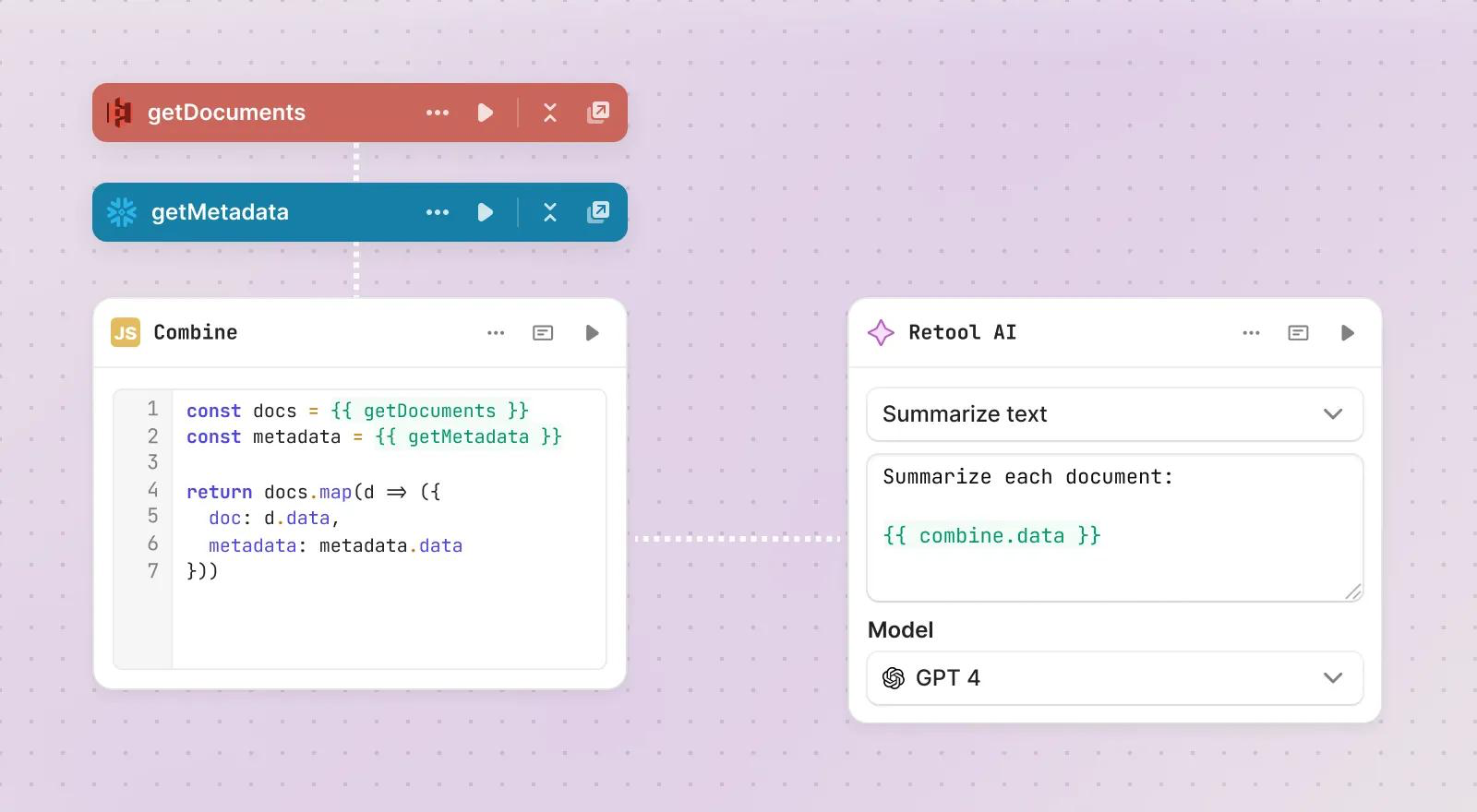
6. Data enrichment and insight extraction
Raw data on its own doesn’t always tell you much. Retool AI helps you enrich it, adding context and making it easier to pull meaningful insights that drive decisions.
How it helps:
- Combine multiple datasets for a clearer picture of trends and opportunities.
- Extract insights from things like survey responses, social media, or customer reviews.
- Organize unstructured data into something you can actually use.
7. AI-powered recommendations
AI isn’t just about crunching numbers – it’s about using that data to make helpful suggestions. Whether it’s for your customers or your team, recommendations can be a game-changer.
What it can do:
- Suggest products, actions, or next steps based on user behavior or data trends.
- Continuously improve as it collects more information.
- Work in e-commerce, marketing, or even internal decision-making tools.
8. Natural language query support
Not everyone on your team knows how to code or run advanced searches. Retool AI lets you interact with your data using simple, conversational queries instead of complex inputs.
Why it’s useful:
- Replace technical commands with natural language – just type a question and get an answer.
- Filter or sort data easily without needing special training.
- Even use voice commands for hands-free interaction.
9. Real-time anomaly detection
Spotting problems early can save you time, money, and stress. Retool AI monitors your data and flags anything unusual, so you can act quickly.
What it can do:
- Detect unexpected spikes, dips, or patterns in your data.
- Reduce false alarms by letting you adjust sensitivity settings.
- Combine anomaly detection with other tools to pinpoint and solve the root cause.
10. Automated content generation
Creating content – whether it’s emails, reports, or summaries – takes time. Retool AI can help speed that up, without sacrificing quality.
How it works:
- Use customizable templates to generate polished content quickly.
- Match tone and style to your brand for a consistent voice.
- Translate or create content in multiple languages, making it versatile for global use.
How Retool AI Can Help Your Business?
We’ve all been there – those repetitive tasks that eat up hours of your day. Whether it’s managing inventory, answering the same customer questions, or digging through piles of data, they slow you down. Retool AI steps in to take care of those time-consuming jobs so you can focus on what really matters. Here’s where it can make a real difference.
1. Helping customer support run smoother
Customer support teams often get bogged down with answering the same kinds of questions over and over. Retool AI makes it easier by automating those repetitive tasks.
For example, you could set up a chatbot that handles basic questions like “Where’s my order?” or “How do I reset my password?” It frees up your team to focus on the trickier problems that need a human touch.
2. Making marketing campaigns smarter
Marketing isn’t just about getting the word out – it’s about connecting with the right audience. Retool AI helps you analyze customer data so you can tailor your campaigns to what people actually want.
Picture your team using a live dashboard that shows how your campaigns are performing right now. They can tweak the messaging or focus on the audience that’s responding the most, all in real time.
3. Keeping inventory under control
Managing inventory can be a headache – too much stock ties up cash, and too little means you’re losing sales. Retool AI helps you track what’s selling, predict demand, and even automate restocking.
Think about a store that uses AI to reorder items when stock gets low. It keeps your shelves full without overstocking, so you’re ready for customers without wasting resources.
4. Streamlining HR tasks
HR work is full of repetitive tasks, like sorting resumes or scheduling interviews. Retool AI helps by automating these processes, giving your team more time to focus on finding the right people.
Imagine a system that scans resumes for you, ranking the top candidates based on what you’re looking for. Instead of spending hours sifting through applications, your team can jump straight to the interviews.
5. Preventing equipment breakdowns
Nobody likes downtime – especially when it’s preventable. Retool AI helps by monitoring equipment performance and spotting issues before they turn into bigger problems.
For example, in a factory, you could use sensors to track machine performance. If something’s off, the system alerts your team so they can fix it before it causes delays.
{{cta="/service-blocks"}}
6. Spotting fraud before it escalates
Fraud detection often feels like finding a needle in a haystack. Retool AI makes it easier by analyzing large amounts of data to flag anything unusual.
Think of a financial company monitoring transactions. AI can catch patterns that don’t fit the norm and alert your team to take action before things get worse.
7. Making supply chains more efficient
Supply chains are complicated, and even a small hiccup can create a ripple effect. Retool AI helps by analyzing logistics and finding ways to keep everything on track.
For example, an online retailer could use AI to track delivery delays and reroute shipments to avoid bottlenecks. It’s a simple way to keep customers happy and things running smoothly.
There are so many possibilities with Retool AI. Some other ideas include:
- Analyzing customer feedback to see what people really think.
- Catching unusual trends in data early so you can act fast.
- Automating tasks like generating reports or emails.
- Personalizing shopping experiences with smarter recommendations.
- Tracking employee performance to find ways to help your team grow.
If you’ve been thinking about ways to save time and focus on what really matters, Retool AI is a great place to start. It’s flexible, practical, and built to solve everyday challenges.
Conclusion
Wrapping it up, it's clear that integrating AI with Retool can greatly improve your business opportunities: enhance customer support, unlock transformations, leverage data in ways previously thought impossible and do so much more. Real-life successes from companies like Intercom and Holland & Barrett illustrate the benefits of embracing this technology.
Retool AI stands as a beacon for innovation. If you're wondering how it could empower your business, reach out to our experts for a consultation. We’re ready to help you navigate the exciting possibilities Retool AI offers.