


The tech stack is always one of the most significant points to consider before initiating the development process. When it comes to no-code or low-code projects, it is crucial to think about the platform that you will use to build custom internal applications and tools. Today the market offers a row of advanced tools that you can rely on for building your solutions. At Akveo, we have solid expertise in no-code or low-code development and deeply understand the peculiarities and capabilities of and different Retool alternatives. In this blog post, we’d like to share our insights with you.
What is Retool?
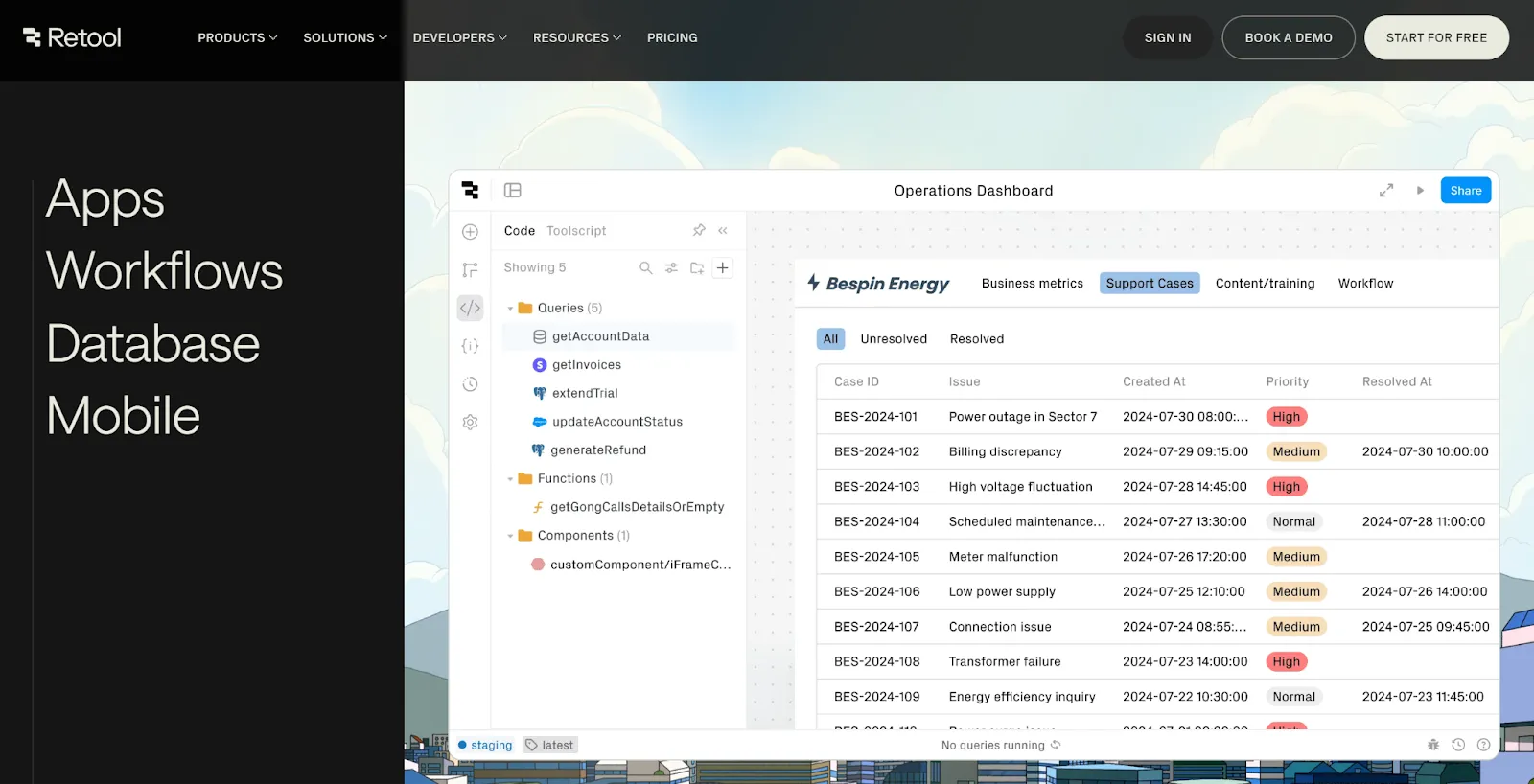
Before talking about alternatives to Retool, we need to provide some general information about this platform. It entered the market in 2017. And since that time it has been helping businesses to reduce the time and budgets needed for building custom internal applications and creating their powerful internal tools.
Retool primarily targets engineering and operations teams. It is great for creating tools for managing business processes, interacting with databases, or automating workflows. The platform supports plenty of different integrations, including data sources, APIs, and third-party services. That's how it becomes a flexible choice for businesses that rely on multiple systems.
While Retool has established itself as a key player in the low-code market, it’s not the only option available. Depending on specific needs such as cost, extensibility, or performance, businesses often explore other low-code development platforms that may be a better fit.
Retool's pros
It is highly praised for its rich library of pre-built components that can be reused and customized based on your specific needs. Thanks to this, a row of your business applications and solutions can be ready just in hours, instead of weeks that are typical for custom development from scratch.
If you choose Retool for your project, you do not need to have a full-scale development team by your side. All the processes will be significantly streamlined and simplified.
Retool stands out from the row of its competitors for its extensive integration opportunities and enterprise support. For example, you can easily connect your solution with any of the most commonly used databases, as well as numerous external business tools and services via APIs, like Slack, Zendesk, Asana, AWS, Github, Jira, Salesforce, and many others.
Based on the experience of our team we can say that Retool can become an excellent choice for low-code development. Nevertheless, there are still some pitfalls associated with its use.
Limitations of Retool
Retool is a powerful platform, but it comes with some bottlenecks that might not work for every business.
One major limitation is its restricted code extensibility. While you can add JavaScript, it’s not designed for deep customization, That can influence flexibility for developers who are used to it. Performance is another concern, especially for data-heavy applications where UI lag and slow queries can impact the user experience.
For security-conscious companies, self-hosting is often the only option, but it’s expensive and resource-intensive. Not only does it require ongoing maintenance, but self-hosted users also get new features later than those on the cloud version.
There are functional gaps as well. Retool doesn’t natively support real-time streaming data from platforms like Kafka or WebSockets, which can be a dealbreaker for businesses that rely on event-driven workflows.
Another challenge – Retool doesn’t play well with popular monitoring tools. That means that tracking performance issues and debugging apps is more frustrating than it should be.
Lastly, Retool’s flowchart-based workflow automation is useful for simple tasks but can become overwhelming as processes grow in complexity.
Additional information you should consider
When it comes to pricing, Retool has a range of options depending on a company’s needs.
There’s a free plan with limited features, along with special deals for startups, students, professors, and non-profits.
Paid plans start at $10 per month per standard user (or $5 per end user). The cheapest option is a Team plan. The Business plan is pricier at $50 per month per standard user and $15 per end user. As for the Enterprise plan, pricing is customized based on your specific requirements.
You can read more about Retool pricing here.
Why Look for Alternatives to Retool?
Retool is a solid platform, but it doesn’t fit every business’s needs. If you require deeper code extensibility, some alternatives allow for greater customization, making it easier to build complex internal tools. Performance can also be a concern – businesses handling large-scale operations often need faster, more efficient solutions that don’t struggle with heavy data loads.
Pricing is another key factor. Retool’s costs, especially at the enterprise level, can add up quickly. More budget-friendly options with flexible pricing models may better suit growing teams. If real-time data processing is a priority, Retool’s lack of native support for event-driven platforms like Kafka can be a dealbreaker. Similarly, strong observability and monitoring tools are essential for maintaining performance, and some platforms offer better integrations for tracking and debugging applications.
If your business depends on regular updates and new features, Retool’s rollout speed – especially for self-hosted users – might feel a bit slow. Open-source alternatives could be a better choice if you want more control, transparency, and security. Workflow automation is another thing to keep in mind – some platforms make it easier to manage complex processes without the hassle of Retool’s flowchart system.
If flexibility, scalability, or cost are important to you, exploring other options might be the right move.
Reasons to Consider Alternatives
When considering alternatives to Retool, businesses should keep in mind a few factors:
- Ease of use and learning curve: If you’re not a developer, the platform should be intuitive and easy to learn without a steep learning curve.
- Flexibility and extensibility with code: Some platforms let you customize and extend functionality with code – if you need advanced features, this can be a game-changer.
- Performance and scalability: As your business grows, the platform should be able to handle more data and users without slowing down.
- Pricing and cost-effectiveness: Budget matters. A platform should offer fair pricing that scales with your needs, without hidden fees or unexpected costs.
- Integration capabilities and external database support: Connecting with existing tools and databases should be seamless, so your data flows without extra hassle.
- Security and compliance: Protecting sensitive business data is non-negotiable. The platform should meet industry security standards and compliance requirements.
- User interface and experience: A clean, well-designed UI can make all the difference in productivity and ease of use.
- Access control and permissions: Role-based permissions ensure that only the right people have access to critical data and tools.
- Version control and audit logs: Being able to track changes and see who did what is essential, especially when multiple people are working on the same project. It helps maintain accountability and prevents costly mistakes.
- Customer support and community resources: When you run into problems, having reliable support and an active user community can make all the difference. Quick responses and helpful resources can save you time and headaches.
By estimating these factors, businesses can find the best Retool alternative that meets their specific needs and requirements. So what are they? Let's unfold this chapter.
Main Retool Alternatives
Budibase vs Retool
Being a Retool open source alternative, Budibase is often taken by businesses for creating internal and workflow applications. For example, it is used to build such simple solutions as admin panels, forms, and other tools required for organizing internal processes.
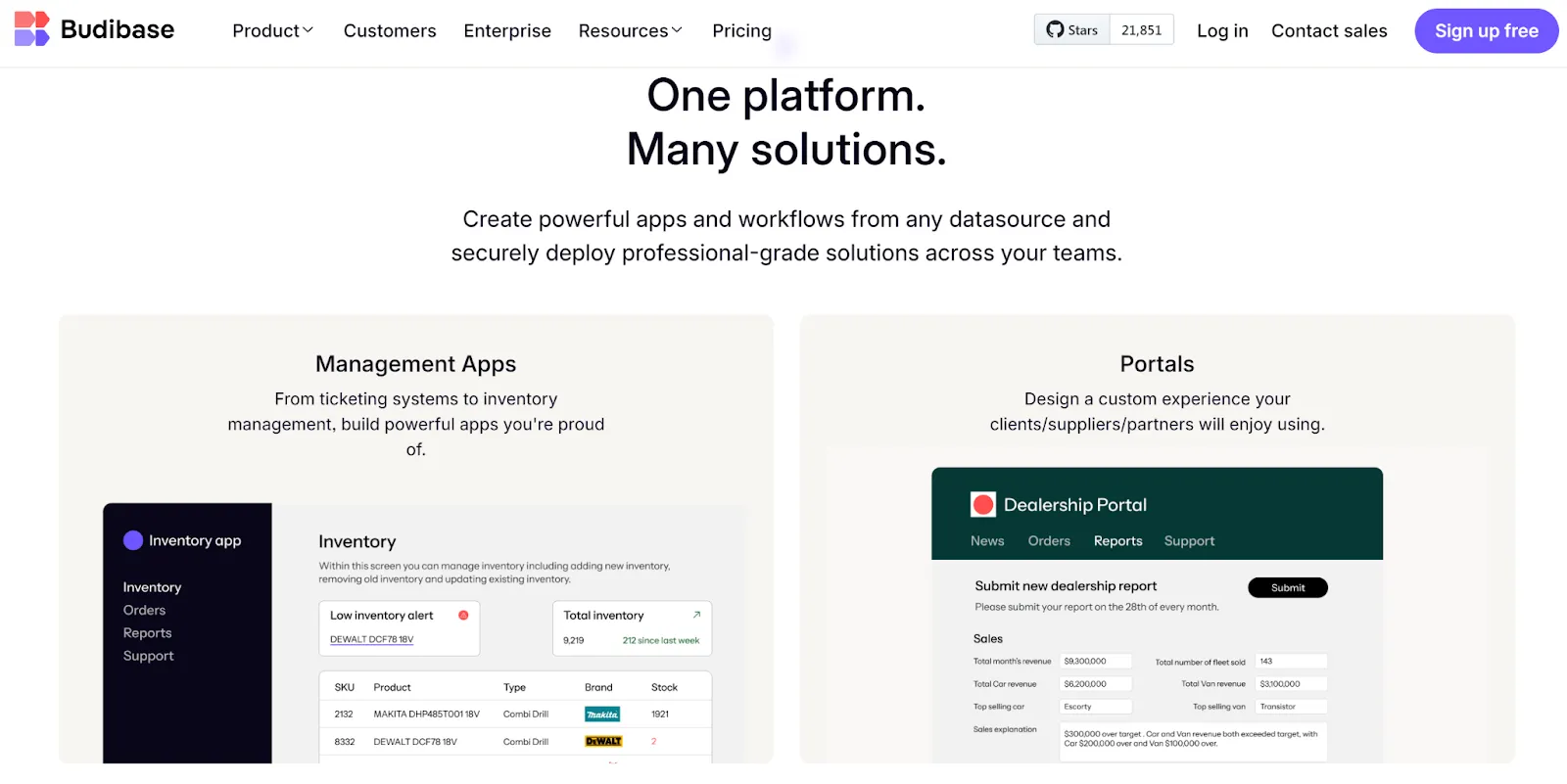
With this platform, companies can efficiently work with their data, as well as manipulate and share it in a highly secure environment. Budibase offers its built-in database. Moreover, it provides access to different SQL and NoSQL databases and a wide range of the most highly demanded REST APIs. It also allows businesses to create their own custom data sources with the help of its plug-ins command line interface.
As well as Retool, it lets users choose between cloud or self-hosting options and has different pricing tiers. There is a Free plan that can be suitable for small teams. It has some limited features and restrictions regarding the number of users. However, you can create as many web apps and workflows as you need.
If you’re after more features, the Premium plan starts at $50 per month for each app creator and $5 per month for each app user. And if you're a larger company with unique needs, you can reach out for a custom enterprise plan.
Pros:
- Cost efficiency;
- Quick deployment;
- Extensive integrations with databases.
Cons:
- Limitations in advanced customization;
- Limited scalability;
- Fewer third-party integrations.
Full comparison of the tools you can check out here.
UI Bakery vs Retool
This Retool competitor is positioned as a low-code platform for developers that allows them to save the time needed for creating different types of internal business applications. It offers a user-friendly drag-and-drop UI builder and automation features. Thanks to this, users can efficiently eliminate repetitive tasks and actions by simply automating them.
The platform is targeted at a wide range of users, including businesses of all sizes. Nevertheless, as well as in the case of other alternatives to Retool, UI Bakery has more options for startups and small businesses than large enterprises.
Users, who have built their web and mobile apps with the help of UI Bakery, can embed them into already existing portals and websites. This feature ensures simple integration into companies’ software ecosystems and simplifies interaction between business solutions.
Just like Retool, this platform is quite suitable for real-time collaboration on app creation.
Like most low-code tools, UI Bakery offers a free plan for small teams along with several paid options. The Standard plan costs €4 per month per user and €9 per month per developer. With it, you get access to the features like user roles and release history. If you need more flexibility, go for a Business plan (the price is €9 per user and €35 per developer monthly) – it will add to features collection custom themes, unlimited seats, and audit logs. For enterprises, pricing is tailored to their needs.
Pros:
- Great variety of pre-built templates;
- Design flexibility;
- Smooth learning curve.
Cons:
- Limited data handling capabilities for data-heavy operations;
- Limited opportunities for building complex apps;
- Smaller ecosystem and community in comparison to Retool;
More precise information you can find here.
Appsmith vs Retool
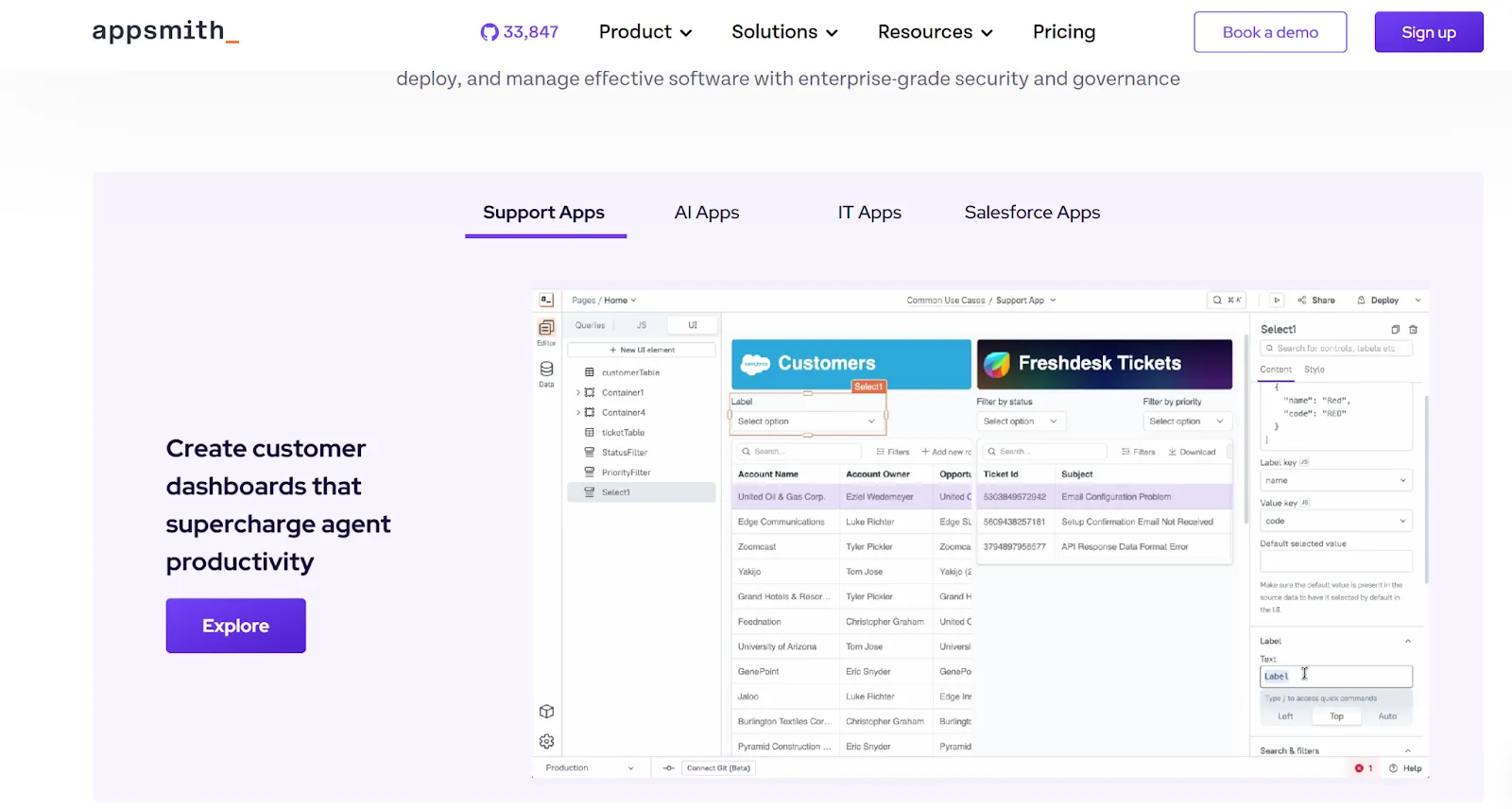
This is one more Retool open source alternative on our list. This solution provides practically everything developers may need to build efficient internal solutions for businesses with different requirements. It provides users with access to the grid-style canvas where they can create interfaces for their internal apps by dealing with pre-constructed widgets. To introduce any changes, it is necessary to drag and drop them.
As well as Retool, Appsmith provides wide opportunities for working with databases, including MySQL, PostgreSQL, MongoDB, and other popular options. Users have the possibility to make data handling simple and smooth by editing specific database queries.
This tool also prioritizes security for the mobile apps built with it. To prevent unauthorized access, users can enable features like two-factor authentication and SSL encryption. Plus, they can set role-based access controls to manage who can access specific data or features within their apps.
The prices depend on the needs of users. The more features and possibilities are required, the higher the costs will be. Nevertheless, this approach allows companies to choose the most feasible options for them and not overpay for the functionality that they won’t use. The platform has a free plan for individual developers and small teams, as well as business and enterprise plans.
Pros:
- Open-source nature;
- Compatibility with different data sources;
- JavaScript customization.
Cons:
- Limited reusability of UI components and workflows;
- Difficulties in using more advanced features;
- Challenges with adapting the UI for different screens.
Check the full overview in this article.
Airtable vs Retool
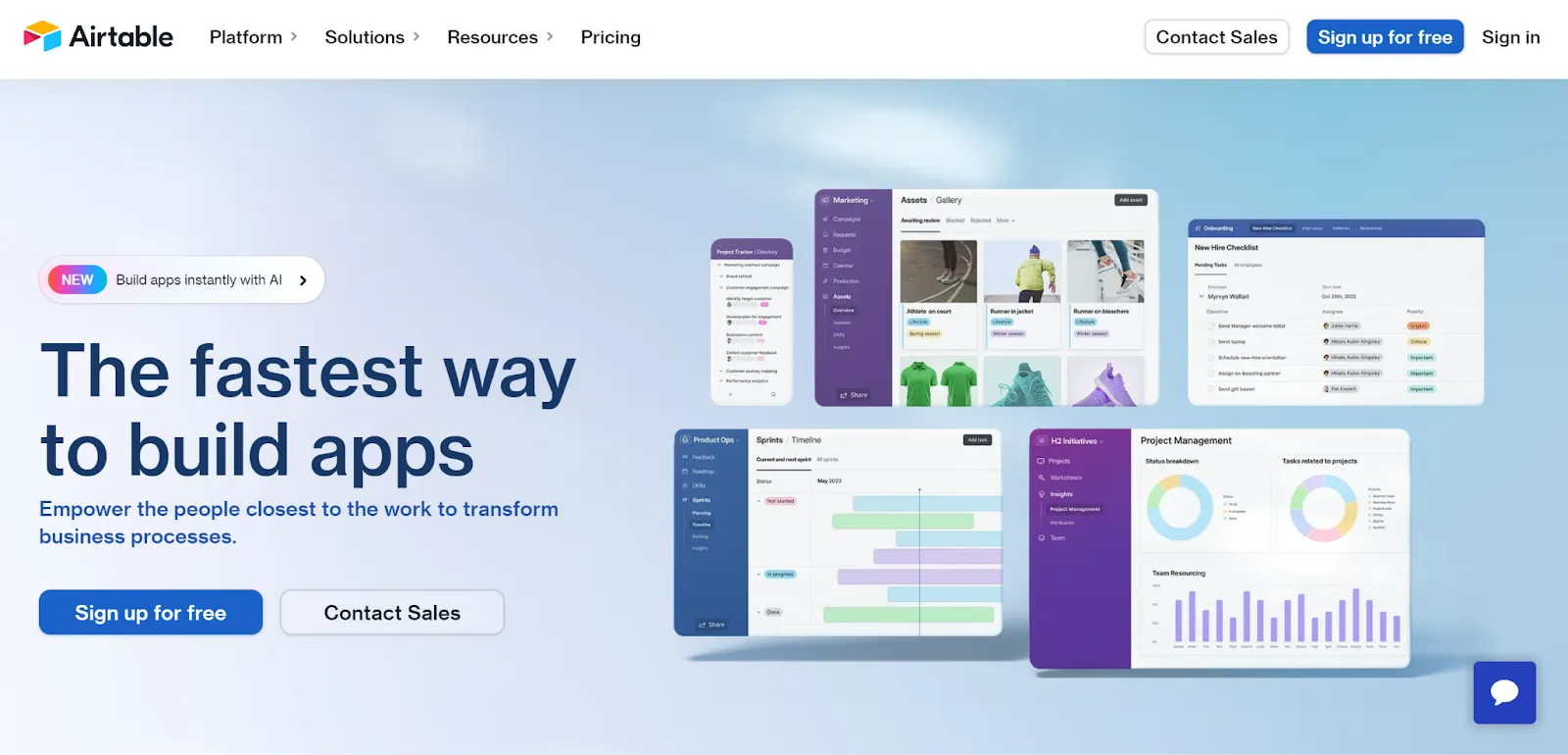
Airtable is a low-code platform for app development. It is designed to help businesses create their workflows in such a way that will efficiently revolutionize their business processes. With Airtable, it is possible to tailor apps to the needs of every end user.
Thanks to the no-code features, even specialists without any specific technical background can successfully utilize the capabilities of relational databases to ensure optimization of their workflows. Users with technical skills can get access to more features to create their own automation and more complex formulas.
As well as Retool, Airtable offers a row of highly demanded integrations with various tools. By integrating external solutions with their newly created apps, businesses can ensure reliable data exchange between them. Google Drive, Zendesk, Asana, Dropbox, Evernote, Miro, Slack – that’s only a small part of all the available options.
For professionals or very small teams that are just starting their journey with Airtable, the platform provides a free plan. Those teams that need to create applications for collaboration on their internal workflows can opt for the Team plan. In this case, the cost will be $20 per seat/month or $24 per seat/month billed annually or monthly respectively. If a company needs to have access to basic administration and advanced features, it’s better to opt for the Business plan, with $45 per seat/month billed annually or $54 per seat/month billed monthly. The plan for enterprises presupposes custom pricing.
Those users who want to power their workflows with AI capabilities like text summarization, translation, or categorization, can get this opportunity for extra cost.
Pros:
- User-friendly interface;
- Real-time collaboration;
- Excellent choice of pre-built templates.
Cons:
- Unlike Retool, no on-premise or self-hosted versions;
- Limited flexibility and scalability;
- Difficulties in managing large-scale databases or applications.
See a full guide on the tools here.
Superblocks vs Retool
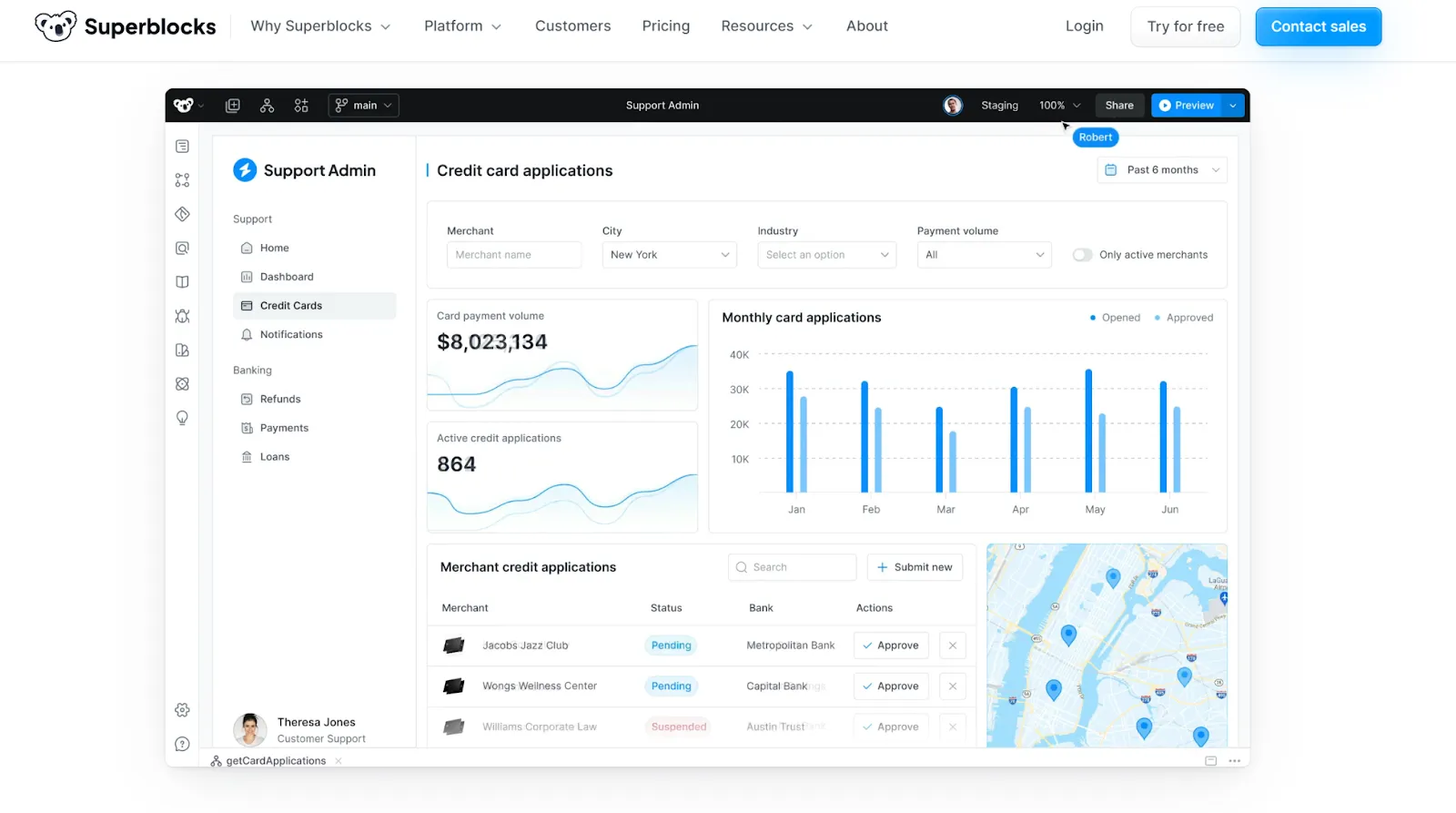
Unlike many other Retool alternatives, Superblocks is known as a good option not just for small businesses, but mainly for medium and large organizations. It is positioned as a good choice for companies working in such domains as healthcare, finance, and retail, where rapid development and smooth deployment play a crucial role.
Superblocks makes it easy for both developers and non-technical teams to work together. It comes with ready-made templates, simple drag-and-drop tools, and seamless integrations with various APIs and data sources. It’s as flexible and customizable as Retool, but what really makes it stand out is how easy it is to use and the great support behind it.
This platform stands out from the row of Retool alternatives for its comprehensive support and ease of use.
As for pricing, Superblocks ensures enough flexibility for businesses with different requirements and expectations. For small businesses that need to manage their internal tools, there is a free plan. For growing teams, there is a paid option of $49/month per creator and $15/month per end user. This pricing is applied with an annual subscription. Those who are not ready for it and prefer monthly billing should expect to pay 30% more. For enterprises, Superblocks has custom pricing that will reflect the exact set of chosen tools and features.
Pros:
- The possibility to automate practically any workflow;
- Advanced customization features;
- Ease of use.
Cons:
- Challenges with the maintenance of some deployed apps;
- Occasional performance lags;
- Learning curve for non-technical professionals.
Deep-in description of the tools are gathered in this article.
ToolJet vs Retoo
ToolJet is an open-source platform that can be viewed as one more alternative to Retool. It helps users build and create internal tools and maintain their entire internal tool stacks with any specific skills and resources.
With this platform, businesses can create visually appealing user-friendly frontend interfaces without the help of dedicated engineers. The range of the included integrations helps to connect data from various sources and conveniently work with them. ToolJet also provides users with the possibility to leverage the benefits of a scalable and highly secure no-code built-in database on PostgreSQL.
When it comes to pricing, ToolJet is quite flexible. The Basic plan is offered for free. However, it can be suitable for those who need only essential features. For SMEs that are focused on scaling, there is a special Business plan. It costs $24/month per builder and $8/month per end user for both cloud and self-hosted versions in case of annual billing. It presupposes a 20% discount in comparison with monthly billing. Enterprises with special needs can contact the platform to get individual offers.
There is also a plan called Flexible that costs $99/per app. It means that in this case, businesses pay not based on the number of users but based on the number of applications and add-ons that they need to make.
Pros:
- Open-source advantage;
- Rapid development and deployment;
- Extensive integration capabilities.
Cons:
- Performance issues;
- Challenging setup;
- Low popularity at the moment and a small community.
Find out more on Retool and Tooljet here.
PowerApps vs Retool
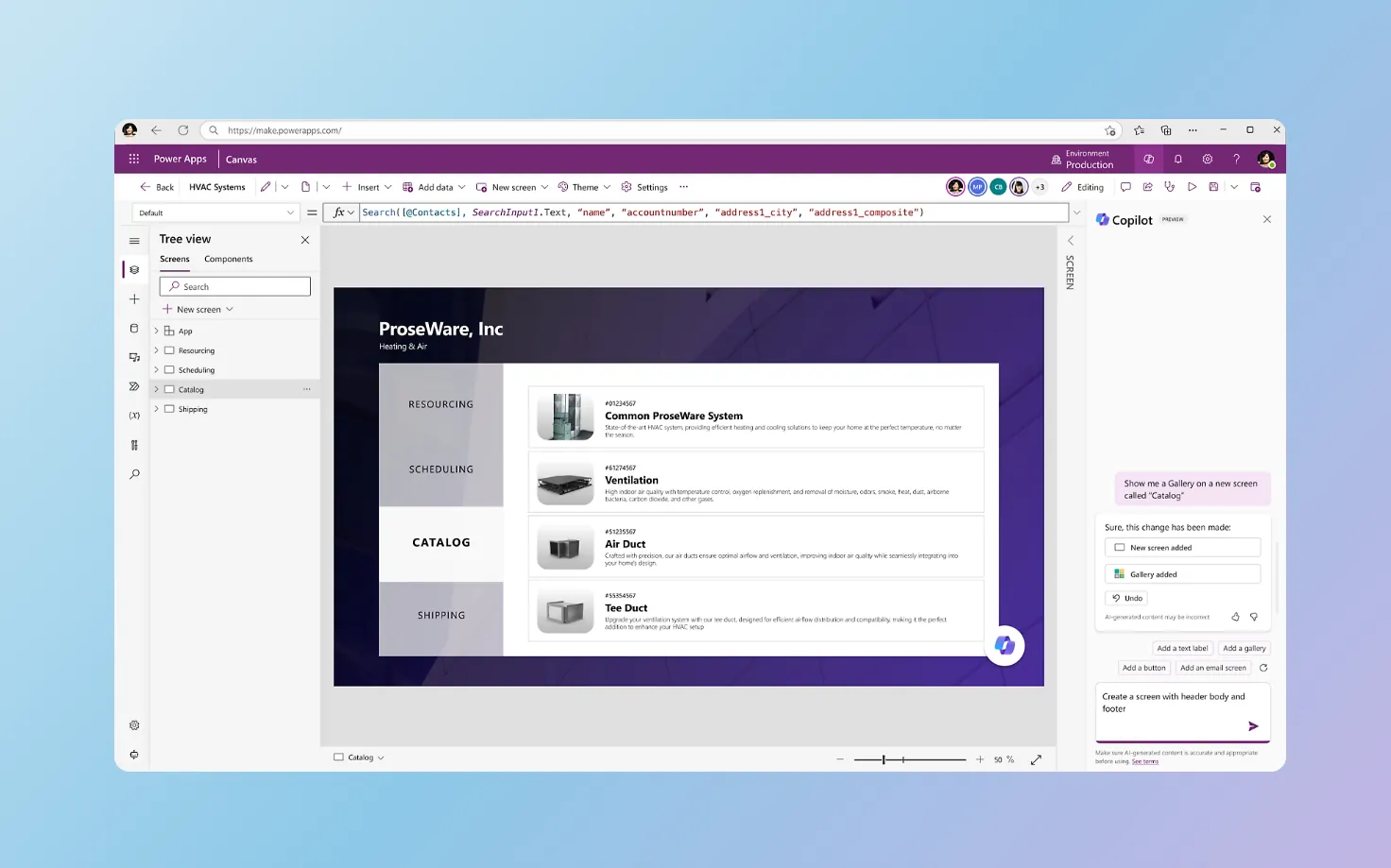
Power Apps is one of the most established platforms among the Retool competitors. It represents a collection of low-code development tools offered by Microsoft. This explains why this platform boasts great popularity among organizations that are deeply involved in the Microsoft ecosystem. Power Apps provides close integrations with other popular tools delivered and supported by Microsoft, like Dynamics, SharePoint, SQL Server, and others.
To handle app logic, Power Apps relies on its proprietary language dubbed Power Fx. This language is derived from Visual Basic. This means that those users who have a good understanding of Excel may find it rather familiar and clear.
What makes this Retool alternative so special is that it allows users to deliver solutions embedded with AI that can help to fully revolutionize their legacy systems without serious time investments. To build solutions their own way, users can provide just one sentence, sketch, table, or some part of their own code.
The Developer plan is offered for free. It allows users to create and test unlimited applications across different environments before proceeding to production. The Premium version costs $20 per user per month, giving you the ability to build, update, deploy, and run web apps. However, keep in mind that some extra features, like the AI builder, come with an additional cost.
Pros:
- Seamless integrations with Microsoft products;
- Rich library of templates and app samples;
- Intuitive interface.
Cons:
- Dependence on Microsoft and its ecosystem;
- Difficulties in using for more advanced cases;
- Performance issues.
More detailed comparison of the platforms is here.
What is the best Retool alternative?
While the list of Retool competitors may look quite impressive, if you ask us to name just one platform that we can call the best choice, we won’t be able to provide a definitive answer. Every platform has its pros and cons, and the best choice really depends on what your business needs. Some are more flexible, others scale better, and some focus on being budget-friendly or easy to use.
Take Power Apps, for example – it’s a great fit for companies already using Microsoft tools like Office 365 and Azure since everything integrates seamlessly. Superblocks, on the other hand, is built for large organizations that need strong automation and security. Meanwhile, UI Bakery is better suited for small and mid-sized businesses looking for a simple, customizable solution without the complexity of enterprise platforms.
Pricing also varies a lot. Some platforms charge per user, while others have a flat-rate model that can be more predictable. When picking a low-code tool, it’s not just about features – you also have to consider long-term costs, scalability, and the level of support you’ll get. What works for one business might not be the best fit for another, so taking the time to compare options is key.
The bottom line
If you have some doubts regarding the choice of the most appropriate development platform in your case, you can turn to our team. At Akveo, we will be always ready to provide you with our professional consultancy and low code development platform services. Today, our portfolio includes hundreds of successfully delivered apps built for companies from different industries and domains. We can not only deeply understand the needs and requirements of our customers but also find the most efficient approaches and solutions to addressing them, either with Retool or any of its reliable alternatives.
{{cta="/service-blocks"}}